

Customers update their own HubSpot contact
Send a customer a form with what HubSpot already knows filled in. They correct what changed and add the rest, and their answers go back to the same contact, property by property.
Updated
How it works
- Connect a HubSpot account in the form’s settings and match each form field to a contact property. One field maps to Email, because that is how the contact is found.
- Send the form as a request to one customer, or share its link.
- When someone submits, Formstep updates the contact with their email, or creates it, and writes only the properties you mapped.
Prefill from the contact
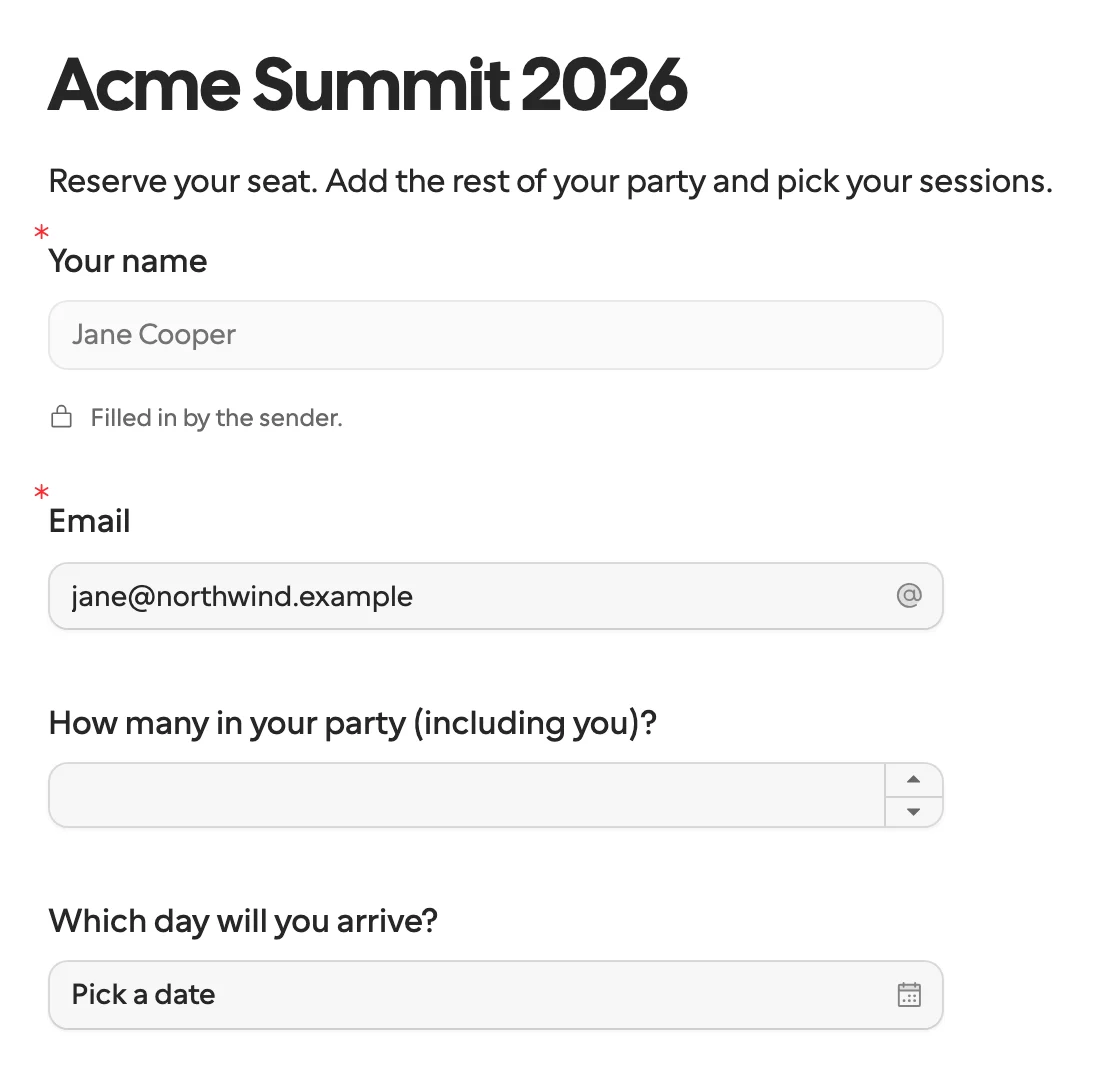
An n8n workflow or a Zap reads the contact in its own HubSpot step and creates the request with those values as prefill. Lock the email field so the answers land on the same contact. The customer checks what you already know instead of typing it again.
What stays as it is
- An empty answer is skipped, so it never clears a value already in HubSpot.
- Properties you don’t map are never touched.
- A respondent’s edit updates the same contact again, not a second one.
- Send test writes only to the contact
formstep-test@example.com.
The client intake template is a good form to start from, and n8n or Zapier can send the request when a deal moves.
