

The best form builders in 2026, compared
Ten free and paid online form builders compared on limits, pricing, AI, API and MCP access. Checked against each vendor on 5 November 2026, with a pick per job.
By Onur Hakbilen, founder of Formstep · Published
We make Formstep, and it is one of the ten tools here, so read this knowing that. We pick a tool for each job, with no overall ranking. Formstep shares best free plan with Tally and leads on asking one specific person. For every other job another tool is the better choice, and we say which.
Formstep sits a little apart. Most tools here start from a form that many people can answer, and Formstep has that too. Its main job is asking one named person, who gets their own prefilled link under your brand, in up to 65 languages.
The best form builder for each job
- Best free plan: Tally for the most volume, Formstep for limits you can plan around, with a stated 1,000 submissions and requests a month.
- Simplest for internal forms: Google Forms, if everyone already has a Google account.
- Best for Microsoft 365 teams: Microsoft Forms, for forms that stay inside your organization.
- Best conversational forms: Typeform, one question at a time.
- Broadest toolkit: Jotform, with a large template library and HIPAA options.
- Best for Airtable and Notion teams: Fillout, with a REST API on every plan.
- Best design-led forms: Paperform, which edits like a document.
- Best for Zoho users: Zoho Forms, with 10,000 submissions a month on its cheapest paid plan.
- Best for survey research: SurveyMonkey, with analysis tools and a paid respondent panel.
- Best for asking one specific person: Formstep, sent by hand or from a workflow or AI agent.
Free plans, prices and API access compared
Everything here comes from each vendor’s own pricing page or documentation, checked on 5 November 2026. Prices are per month in US dollars and change often, so follow the link before you decide.
| Tool | Free plan | Paid from | Branding removed on | API and MCP |
|---|---|---|---|---|
| Tally | Unlimited forms and submissions within fair use; 10 MB per upload | $24 billed yearly, $29 monthly | Pro | API; own MCP server on every plan |
| Google Forms | 500,000 responses and 1 GB per form | No separate plan | Not offered | Forms API; no official MCP server found |
| Microsoft Forms | 200 responses per form on a free personal account | Comes with Microsoft 365 | Not offered | No official MCP server found |
| Typeform | Limited responses; the pricing page gives no number | Unclear: its plan cards show $28 to $39, its comparison table $25 to $29 | Plus | APIs; own MCP server |
| Jotform | 5 forms, 100 submissions a month, 100 MB | $34 billed yearly, $39 monthly | Bronze | API; own MCP server |
| Fillout | Unlimited forms and seats, 1,000 responses a month | $15 billed yearly | Pro | REST API on every plan; no official MCP server found |
| Paperform | 30 submissions a month, no API | $49 billed yearly, $59 monthly | Pro | API and webhooks from Pro; no official MCP server found |
| Zoho Forms | 3 forms, 500 submissions a month, 200 MB | Priced by region; the page showed us no number | Basic | Webhooks on every plan |
| SurveyMonkey | 10 questions per survey; response limit shown only after you sign up | Priced by region | Premier | Zapier on the free plan |
| Formstep | Unlimited forms and team members, 1,000 submissions and requests a month, 100 MB | $32.50 billed yearly, $39 monthly | Pro | REST API, MCP, Zapier and self-hosted n8n on every plan |
How we compared them
We went through each vendor’s pricing page and documentation and recorded what they say. A page that was unclear or contradicted itself, as Typeform’s prices did, gets a note instead of a number we picked. Zoho’s pricing page showed us no prices, and Typeform’s help center refused our requests, so its language count below comes from its developer docs.
We ran no scored test and give no star ratings, because a score would be opinion dressed up as measurement. No link carries an affiliate code. If a number is out of date, tell us through Contact support in the footer.
The 10 form builders
The order is not a ranking.
Tally: best free plan
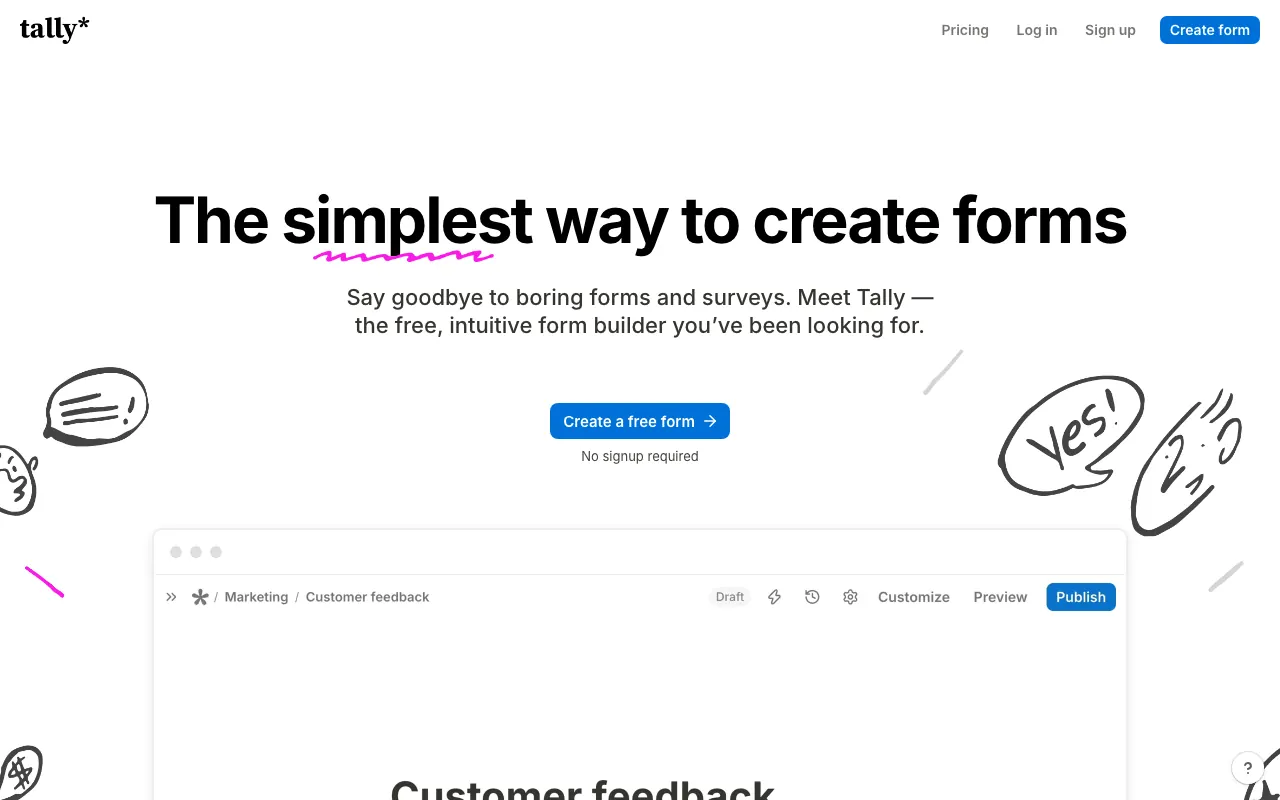
Tally’s editor works like a document, and its free plan includes conditional logic, calculations, payments, signatures, file uploads and webhooks. Its own MCP server is free on every plan too.
Pick it when you want a capable form for free and can live with its branding. Paying $24 a month billed yearly removes the branding and adds custom domains. We also compared Tally alternatives and Formstep vs Tally.
Google Forms: simplest for internal forms
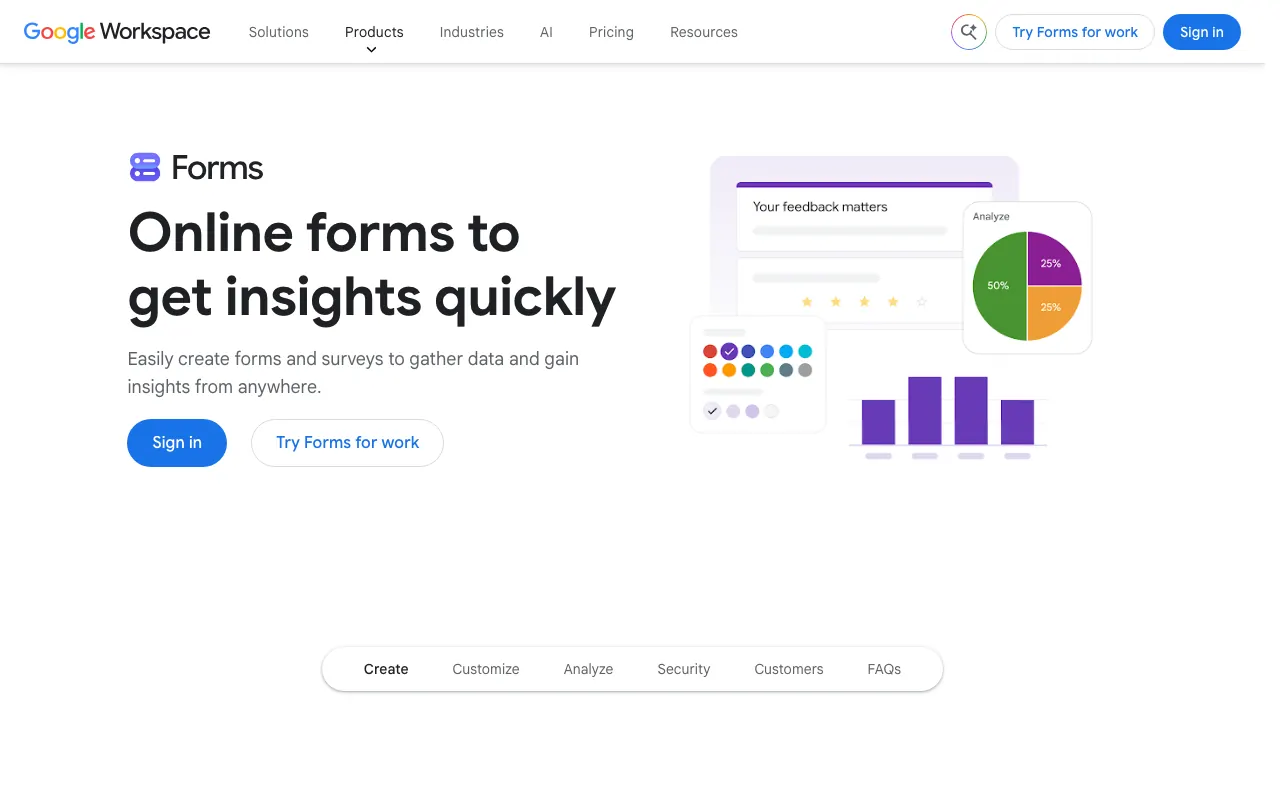
The answers land in a spreadsheet and nobody needs training. It gets harder with people outside your company: anyone answering a file upload question has to sign in to a Google account, and branding options are limited. Branching only jumps between sections, on Multiple choice or Dropdown answers. Payments and signatures need add-ons, and without native webhooks, automation goes through Apps Script.
Microsoft Forms: best for Microsoft 365 teams
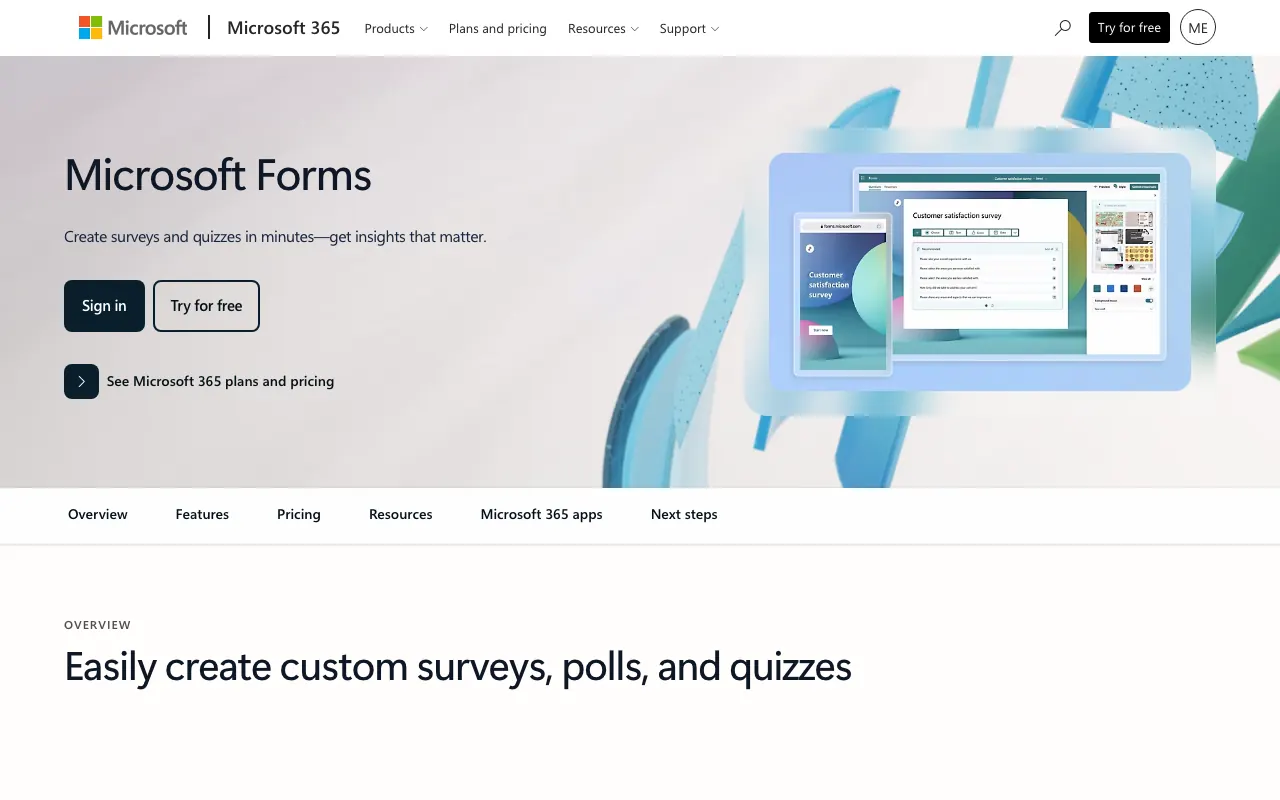
If your company runs on Microsoft 365, this is already paid for. Business accounts can take up to 5,000,000 responses per form. Free personal accounts stop at 200.
The limit to check first is file uploads, which only work when respondents are in your organization. That makes it a poor fit for collecting documents from customers.
Typeform: best conversational forms
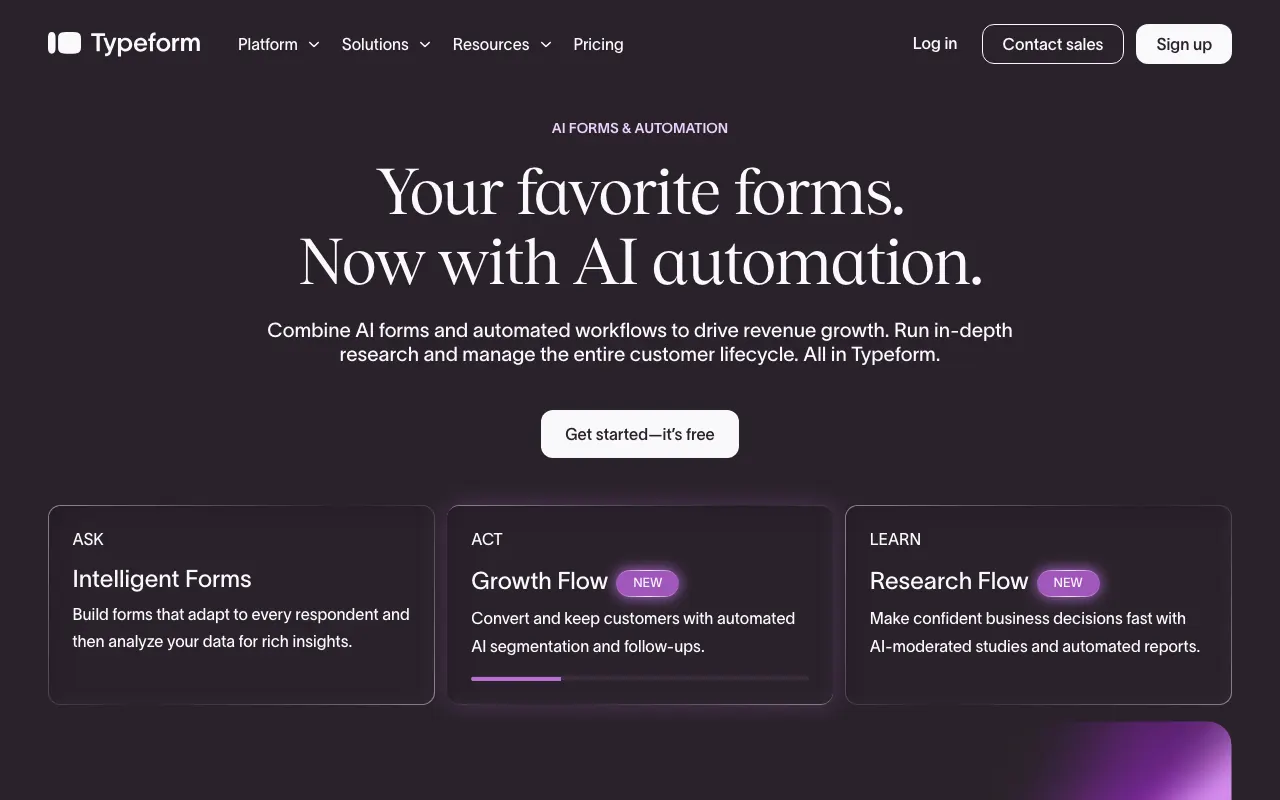
Typeform shows one question at a time. Its Basic plan includes AI-assisted creation, logic and webhooks, and it has its own MCP server.
Basic includes 100 responses a month, Typeform branding only comes off on Plus, and custom domains, HIPAA and a choice of EU data center are Enterprise features. We also compared Typeform alternatives and Formstep vs Typeform.
Jotform: broadest toolkit
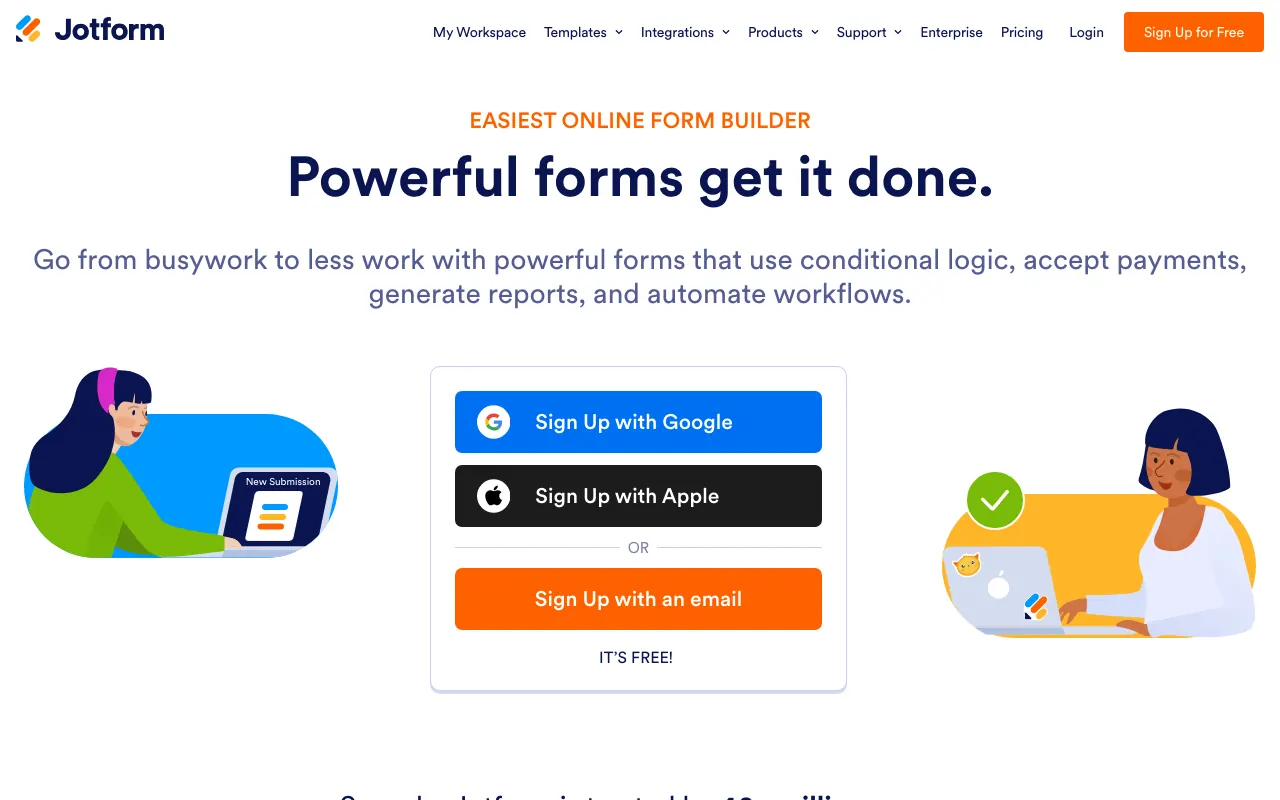
Jotform has a large template library, payments, signed documents, HIPAA options from the Gold plan at $99 a month billed yearly, and an MCP server at no extra charge.
Its free plan is tight, with 5 active forms and 100 submissions a month, and branding stays until you pay. It suits teams who want one tool for many kinds of forms. We also compared Jotform alternatives.
Fillout: best for Airtable and Notion teams
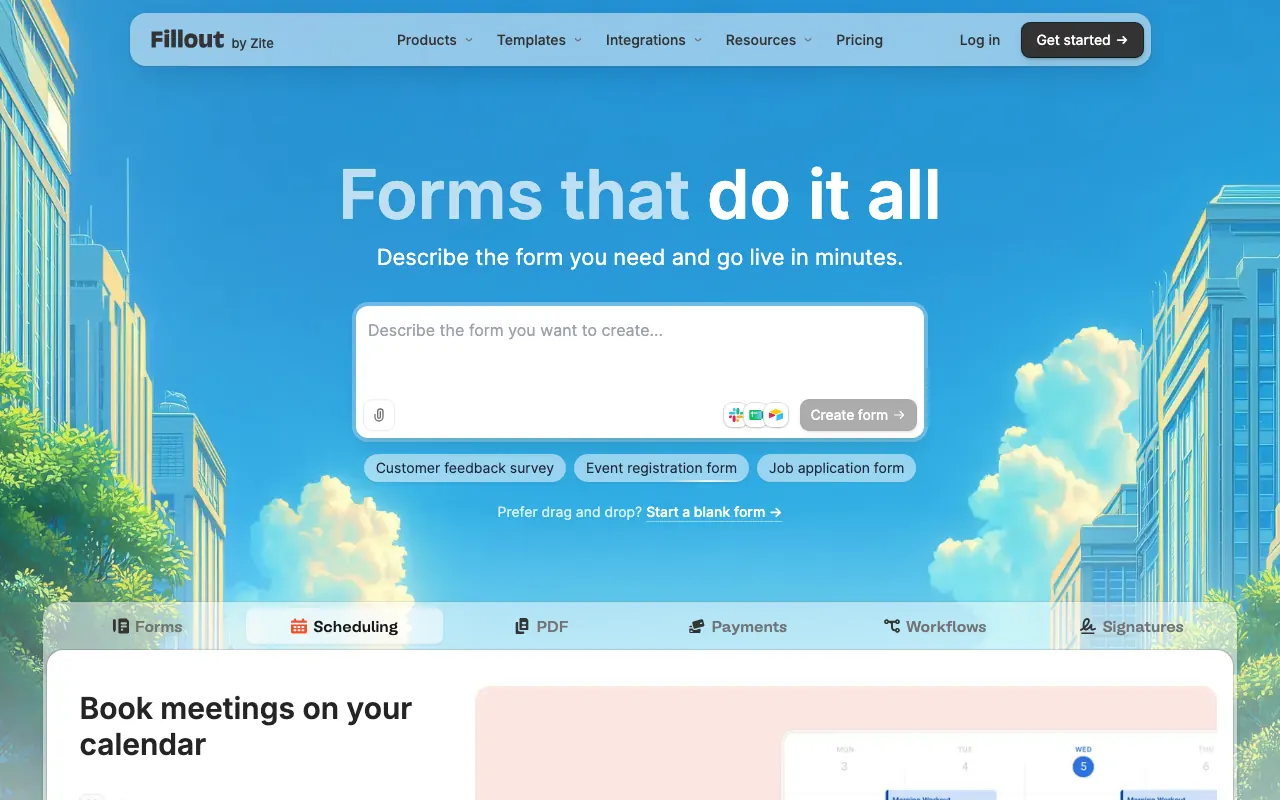
Fillout’s free plan gives you 1,000 responses a month, unlimited forms and seats, prefill, payments and REST API access.
Signatures start on the paid plans, its lighter branding only disappears on Pro at $40 a month billed yearly, and custom domains need Business at $75 a month billed yearly.
Paperform: best design-led forms
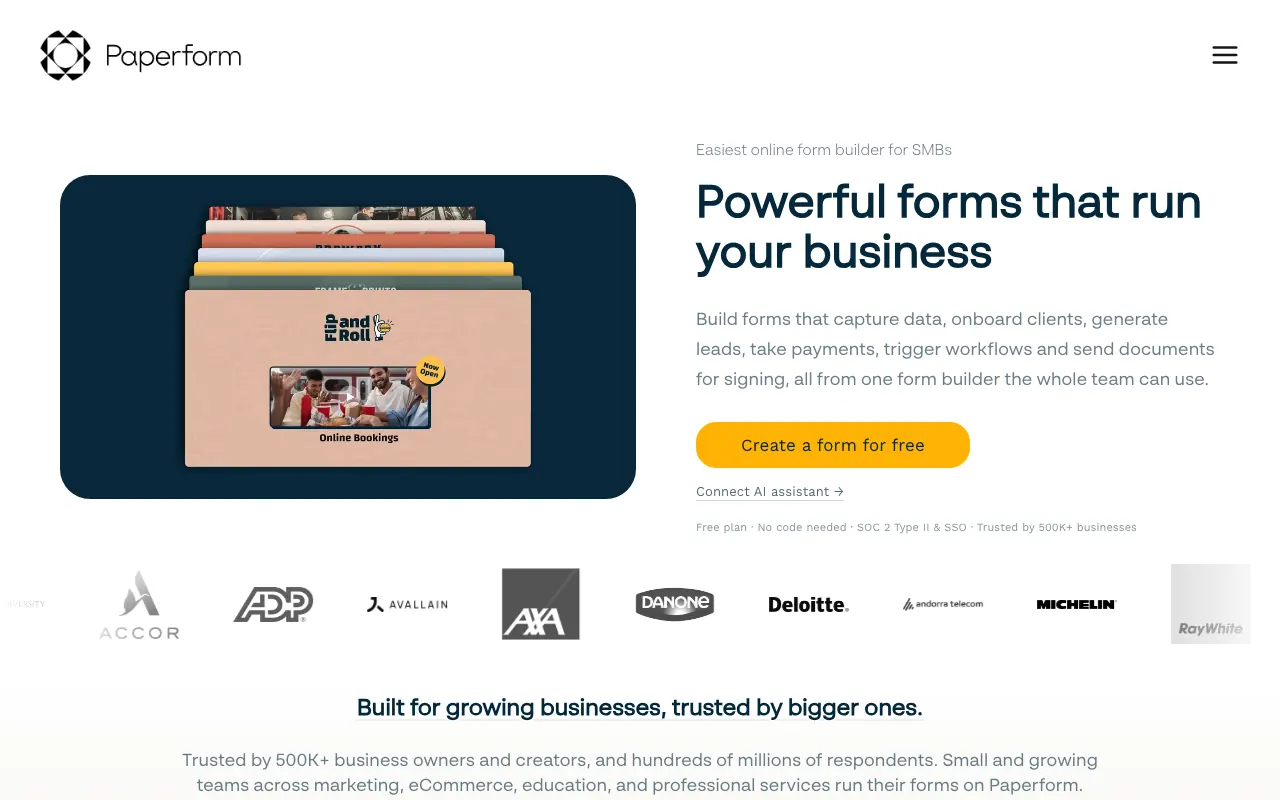
Paperform also edits like a document, and its forms can double as small landing pages.
The free plan, with payments and logic, stops at 30 submissions a month with no API, so treat it as a trial. Pro removes the limit within fair use and adds the API, webhooks and branding removal at $49 a month billed yearly.
Zoho Forms: best for Zoho users
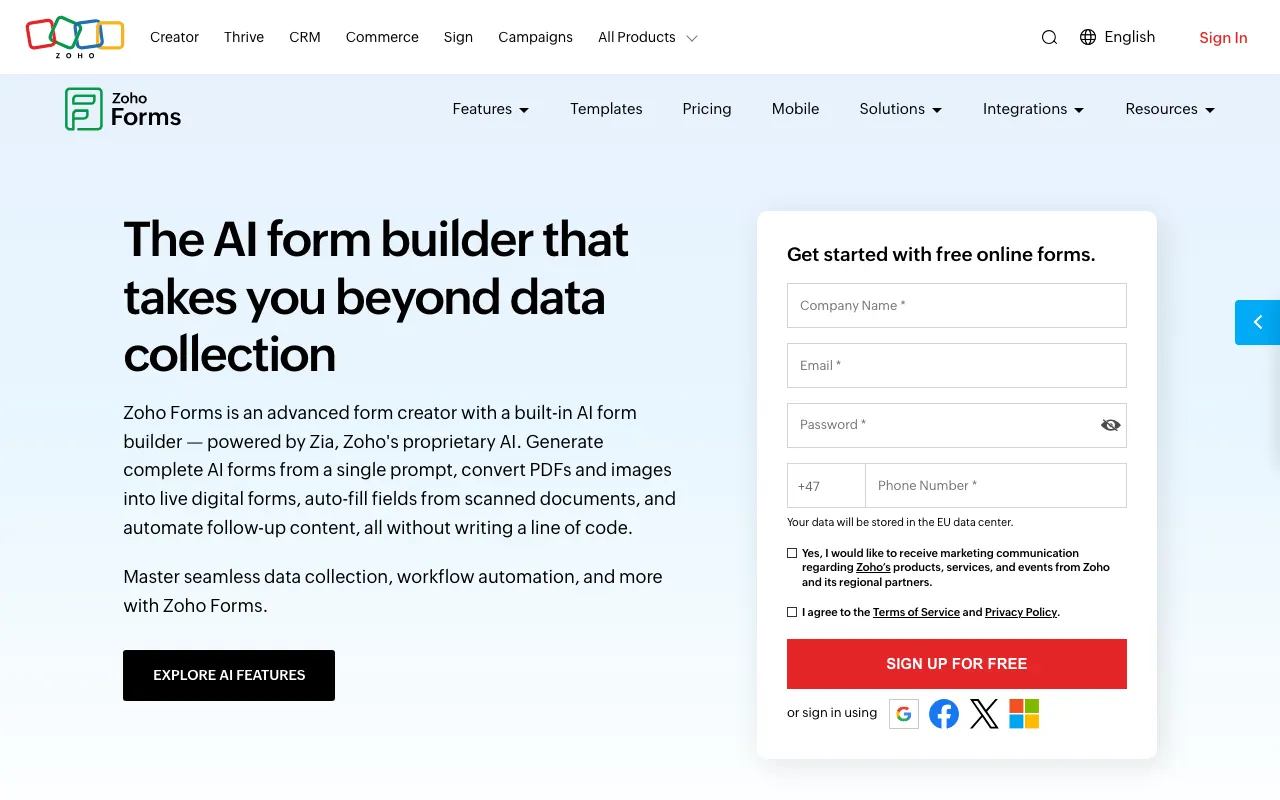
Zoho’s Basic plan includes 10,000 submissions a month. Approvals start on Standard, HIPAA is on Premium, and webhooks work on every plan, the free one included.
It fits best if you already use other Zoho apps. The free plan is limited to 3 forms, 500 submissions a month and 10 payment submissions. Zoho prices each region separately, so open its page from your own country.
SurveyMonkey: best for survey research
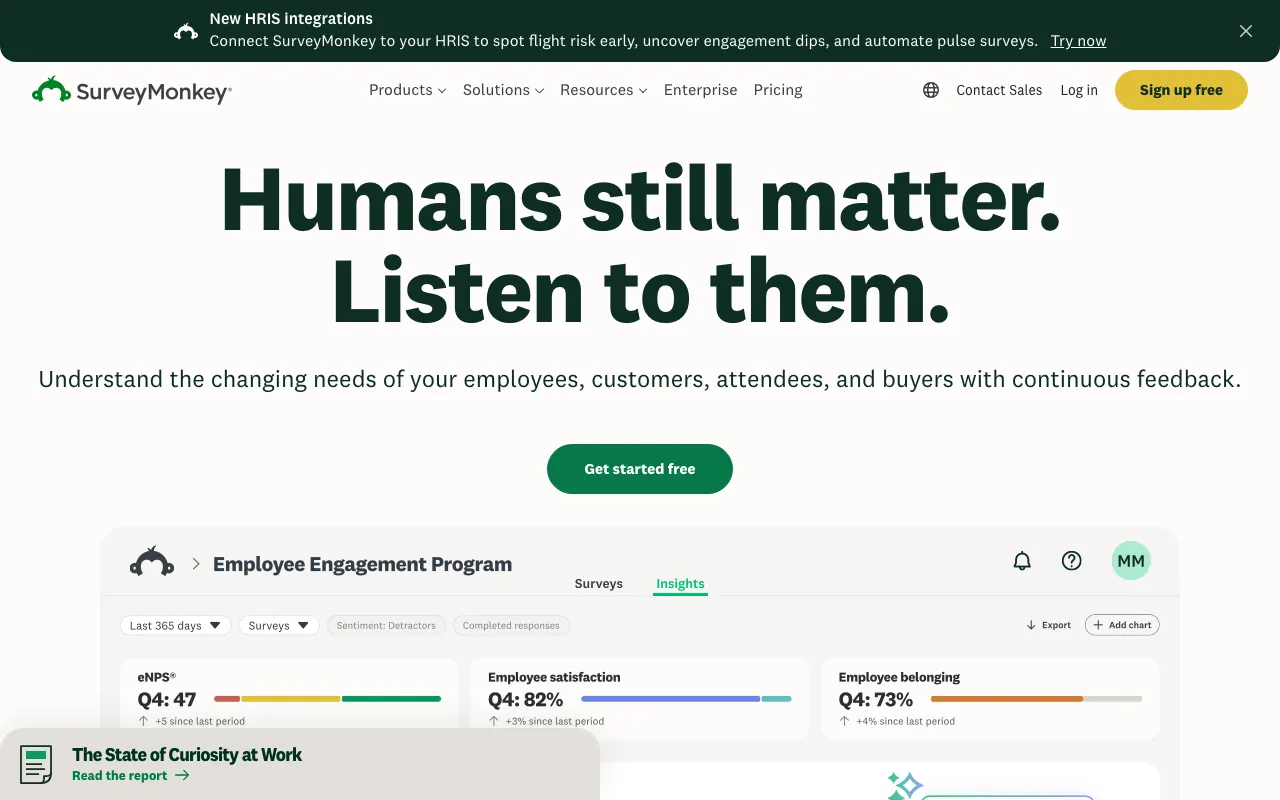
SurveyMonkey is built for surveys more than forms, with paid analysis tools and a respondent panel you can buy.
The free plan allows 10 questions per survey and a limited number of responses, and the exact number only appears after you sign up. Skip logic starts on paid plans.
Formstep: best for asking one specific person
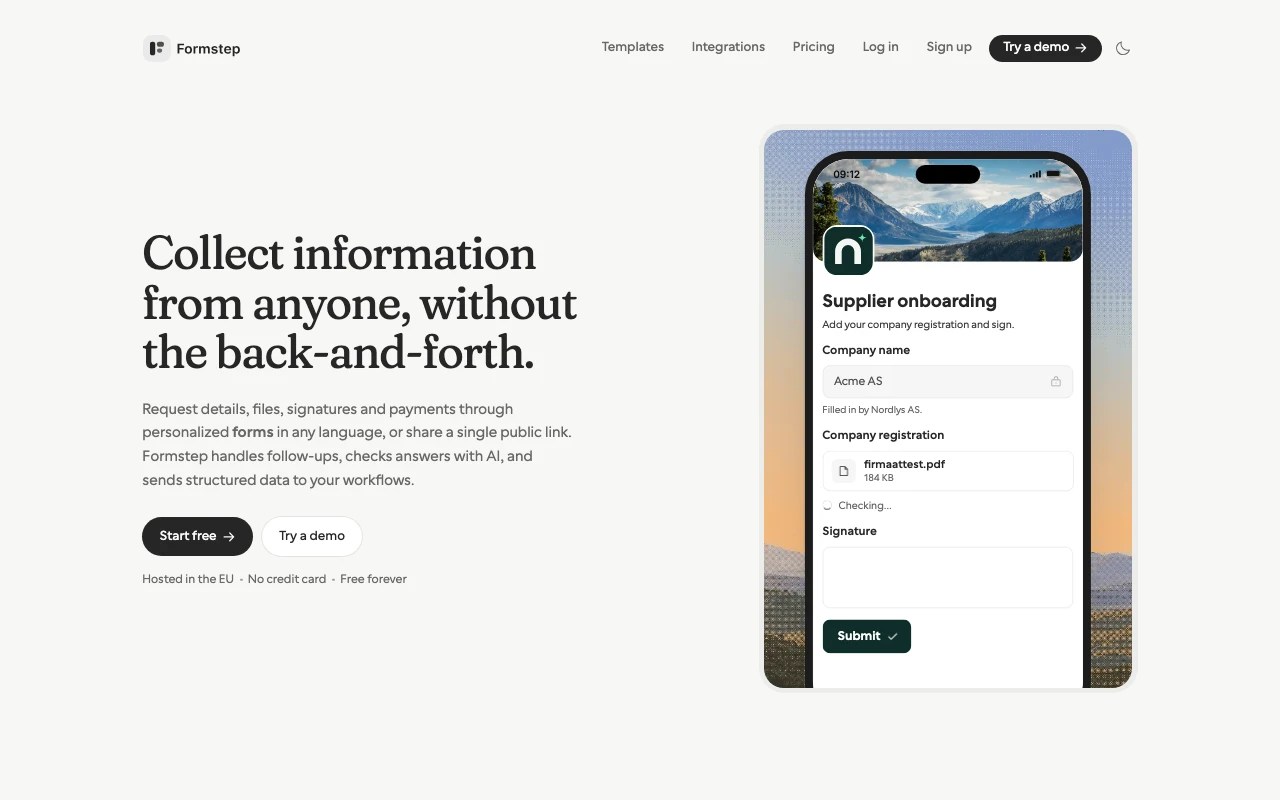
Formstep has a full form engine with logic, repeating groups, signatures, payments, translations and share links. What sets it apart is the request: one recipient gets their own branded, prefilled link, Formstep reminds them, and a signed callback hands the answers back to you, your workflow or your AI agent. You can also send one by hand from the dashboard. One form can have several share links, each with its own expiry and response limit. On Pro it sends email reminders, emails people who stop halfway through a public form, and can check answers with AI validation, paid from AI credits.
Answers come back under field keys that stay the same in every language, the Requests page lists every request in the workspace with who has not opened, started or finished, and an AI agent can send the questions with the request so that Formstep builds the form in the same call. Team members and workspaces are unlimited on every plan. Templates such as client onboarding and confirm invoice details show the request shape ready-made.
Formstep is a younger product with a smaller ecosystem than Jotform or Typeform, and its payments are one-time Stripe charges, with no subscriptions. On the free plan you send the link yourself, apart from 10 invitations to your own address; invitation and reminder emails to recipients start on Pro at $39 a month, or $32.50 billed yearly. The n8n node runs on self-hosted n8n only, and Make has no Formstep app, so on n8n Cloud and in Make you call the REST API from an HTTP module. For a public survey with no known respondent, Tally or Google Forms is simpler and costs less.
The best free form builders
Free plans differ widely. Sorted by answers a month before paying:
- Tally: unlimited within fair use.
- Fillout and Formstep: 1,000 each.
- Zoho Forms: 500.
- Jotform: 100.
- Paperform: 30.
Tally is the only one without a stated limit. Its fair use policy gives examples of extensive use, such as about 50,000 submissions a month sustained for three or four months, so ask Tally if you expect high volume. Google Forms and Microsoft Forms limit responses per form instead, at 500,000 and at 200 on a free personal Microsoft account. Also check whether your branding can replace theirs, how much file storage you get, and whether respondents must sign in.
The best AI form builders
Drafting a form from a sentence is now standard, as in Typeform’s Basic plan and SurveyMonkey’s free plan. What happens after the first draft is the difference, so test three things:
- Changing an existing form. Ask the AI to add a condition to a form that already has logic, then check the logic still works.
- Starting from a file. Formstep can build a form from an uploaded PDF or screenshot.
- Where your data goes. Formstep’s AI runs Anthropic’s Claude models on Amazon Bedrock in the EU; Anthropic never receives your data and AWS does not keep or train on it. Ask any tool the same.
The other route needs no built-in AI: connect your own assistant over MCP.
Form builders with an MCP server
An MCP server lets an assistant such as Claude or ChatGPT work with your forms directly. Tally, Jotform, Typeform and Formstep each publish their own. For Fillout and Paperform we only found third-party servers, and we found none from Google Forms or Microsoft Forms.
Most let an assistant create forms and read responses. Tally’s cannot delete forms or submissions, Jotform’s comes within your plan’s limits, and Typeform’s also covers automations, contacts and insights. Formstep’s also lets an agent send a form to one named person as a request, lock the fields that must not change, and read that person’s answers by your own external id, maybe days later. We wrote up asking someone else over MCP.
Form builders for n8n, Zapier and other automations
A webhook or Zapier connection, which almost every tool here has, is enough when anyone may answer and nothing waits on them. It stops being enough when a run needs one specific person. A shared link does not know who it is for, prefilled values often travel in the URL, and the webhook starts a second workflow that must work out which record the answer belongs to. We wrote up each gap and a four-node n8n walkthrough.
For that case, Formstep has a Zapier app, an n8n community node for self-hosted n8n, an MCP server and a REST API, all on every plan. Make has no Formstep app, so a Make scenario calls the REST API from its HTTP module instead. If that is not your situation, Tally’s free webhooks or Fillout’s API will serve you well.
Multilingual form builders
Jotform lists the most languages, at 130+. Formstep offers one form in up to 65 on every plan, and Typeform lists 27 from its Business plan up. Tally translates only its own system text and points to Weglot for the questions.
Formstep can also translate one submission into your language on request, paid from AI credits, with the original kept; we did not find that in Typeform’s or Tally’s docs. How to make a multilingual form walks through it.
EU-hosted form builders
Ask where your data lives on the plan you can afford, not only whether the vendor offers the EU:
- Formstep: EU on every plan. Answers are stored on AWS in Ireland and files in Cloudflare’s EU storage, and a data processing agreement applies automatically.
- Tally: based in Belgium, hosted on Google Cloud in Belgium with files on Cloudflare in the EU, and GDPR-compliant by its own account.
- Typeform: a choice of US or EU data center is an Enterprise feature.
- Paperform: EU data residency is an Enterprise feature.
This is not legal advice; check each vendor’s data processing terms.
How to choose
- Who answers? Anyone at all points to a form builder. One person you already know points to a request.
- How many answers a month? Compare the free limits above with your real volume, and with your busiest month.
- Where do the answers need to go? A spreadsheet is easy almost anywhere. A waiting workflow or an AI agent needs an API, MCP or a signed callback.
- Whose brand should people see? If it has to be yours, budget for a paid plan on every tool here.
Then build the same short form in your top two choices.
