

The best Jotform alternatives in 2026
Six Jotform alternatives compared on free limits, price per volume, seats, HIPAA and EU hosting, checked on vendor sites on 5 November 2026, and when to stay.
By Onur Hakbilen, founder of Formstep · Published
Most people searching for Jotform alternatives are not unhappy with the form builder. They have hit a limit: the free plan, the monthly submission cap, the one seat per plan, or the custom domain that waits for Enterprise. This guide compares six tools on exactly those limits, with every number taken from the vendor’s own pages on 5 November 2026. We make Formstep, one of the six, so weigh that as you read. It does not rank first, and for a form that handles health data we would point you elsewhere.
Jotform has prefill and assignee features, so it covers part of asking one named person. Formstep is built around that job: the person gets their own prefilled link under your brand, in any of up to 65 languages, and you, your workflow or your AI agent get the results back. Jotform keeps custom domains for Enterprise, and Formstep includes up to 5 on Pro.
In short: to stop paying, Tally. To stop paying for seats or forms, Fillout. For health data, stay on Jotform. For volume at the lowest price, Zoho Forms. When a workflow or agent has to wait for one person, Formstep.
Why do people leave Jotform?
The reasons are limits and seats, and the right alternative depends on which one you hit. We found them on Jotform’s own help center and pricing page and on review sites.
- Forms stop at the cap. At a monthly limit, Jotform disables the forms until the counter resets or you upgrade, and deleting submissions does not free the count.
- Every self-serve plan is one user. The pricing page lists 1 User on Starter, Bronze, Silver and Gold, so a second person means Enterprise or a shared login.
- Custom domains wait for Enterprise. Jotform’s comparison of Standard and Enterprise puts them under Enterprise white labeling.
- The paid steps are large. Silver stops at 2,500 submissions a month, and the next step is Gold at $99 billed yearly.
- Support and upsell. Jotform scores 4.2 from 1,856 reviews on Trustpilot, and low reviews complain about not reaching a human.
When should you stay with Jotform?
Stay if you collect health data or lean on its templates and widgets, because no price difference below covers the cost of rebuilding. Jotform does more than most: a large template library, 130+ languages, signed documents, payments, HIPAA features from Gold and an MCP server at no extra charge.
It is also the big form builder closest to Formstep’s job, with prefilled links you can send to one person and scheduled reminders for assignees.
Jotform alternatives compared
The table compares the six on free plan, price, volume and HIPAA. Prices are per month in US dollars, and they change often, so follow the link before you decide. “Not listed” means the pricing page does not mention HIPAA, which is not proof either way.
| Tool | Free plan | Paid from | 10,000 submissions a month on | HIPAA on |
|---|---|---|---|---|
| Jotform | 5 active forms, 100 submissions a month | $34 yearly, $39 monthly | Gold, at $99 yearly | Gold, at $99 yearly |
| Tally | Unlimited forms and submissions within fair use | $24 yearly, $29 monthly | Free, within fair use | Not listed |
| Fillout | 1,000 responses a month, unlimited seats | $15 yearly | Business, at $75 yearly | Not listed |
| Cognito Forms | 100 entries a month, 1 user | $19 yearly, $24 monthly | Team, at $39 yearly | Enterprise, at $129 yearly |
| Zoho Forms | 3 forms, 500 submissions a month | $10 yearly, $12 monthly | Basic, at $10 yearly | Premium, at $90 yearly |
| Typeform | 10 responses a month | $28 yearly, $39 monthly on its plan cards; its table shows less | Business, at $91 yearly on its plan cards | Enterprise |
| Formstep | 1,000 submissions and requests a month | $32.50 yearly, $39 monthly | Pro, at $32.50 yearly; includes 50,000 | Not supported; our terms do not allow it |
Typeform’s free-plan number comes from its help center, and its pricing page shows $91 yearly for Business on its plan cards and $83 in its table. Cognito Forms carries two plan grids, and the table uses the default one.
Which Jotform alternative fits which limit?
The six are grouped by the Jotform limit they fix, so the order is not a ranking.
Tally: if the free plan is the problem
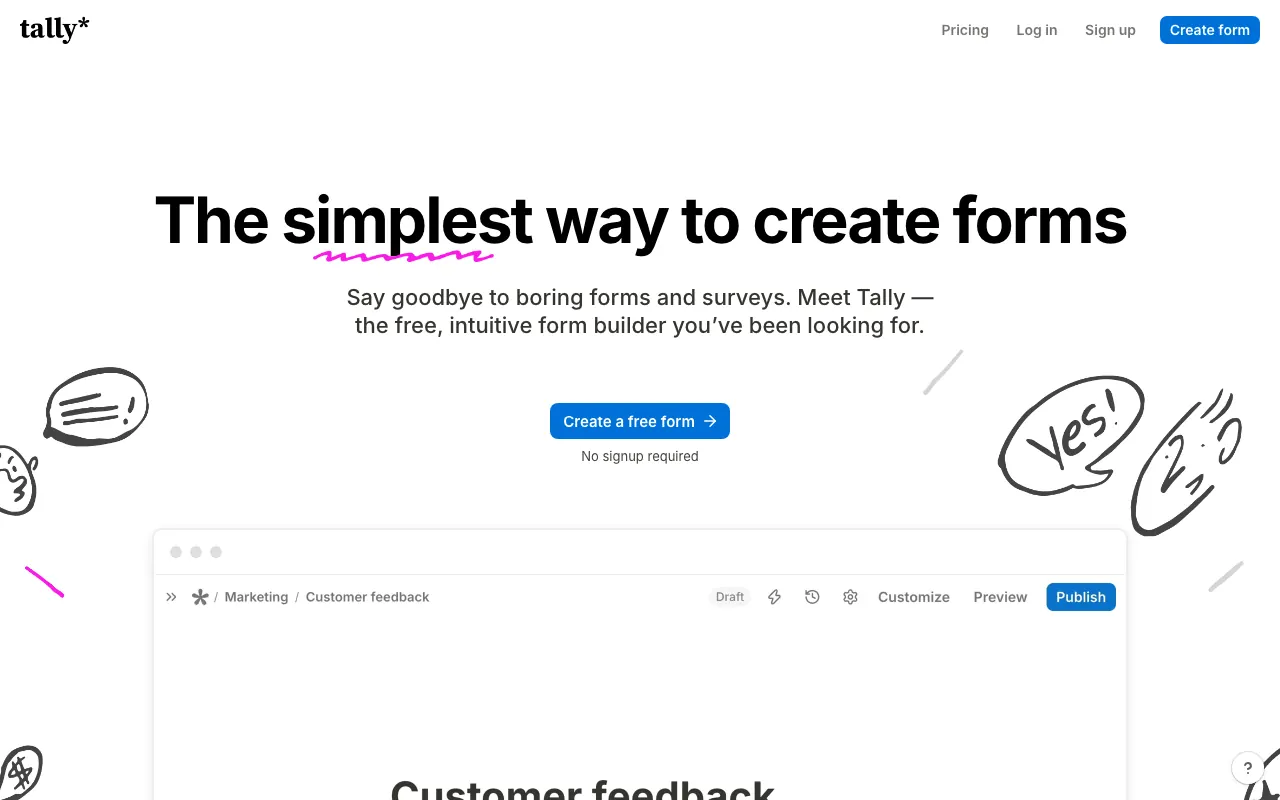
Tally has unlimited forms and submissions within fair use, and its free plan includes logic, payments, signatures and file uploads with a 10 MB limit per file. Pro adds custom domains and unlimited team members, two things Jotform keeps for Enterprise, at $24 a month billed yearly or $29 billed monthly.
Jotform wins on templates, widgets and languages. Tally does not offer one form in several languages without Weglot, which also needs Pro. We compared Tally alternatives too.
Fillout: if you are paying for seats or low limits
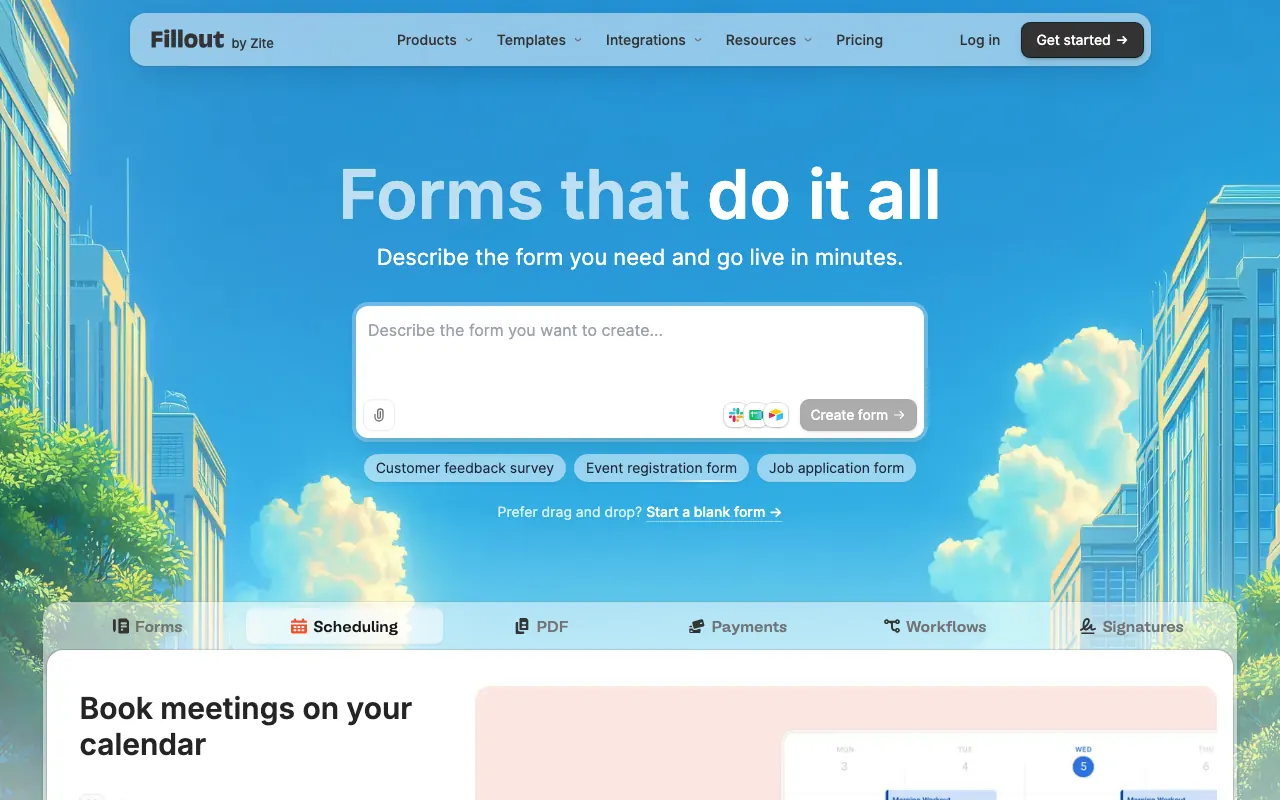
Fillout gives every plan unlimited seats, and its free plan includes 1,000 responses a month, prefill and hidden fields, payments and a REST API.
Signatures start on Starter at $15 billed yearly. Jotform wins on HIPAA on a self-serve plan.
Cognito Forms: if you need workflows and HIPAA
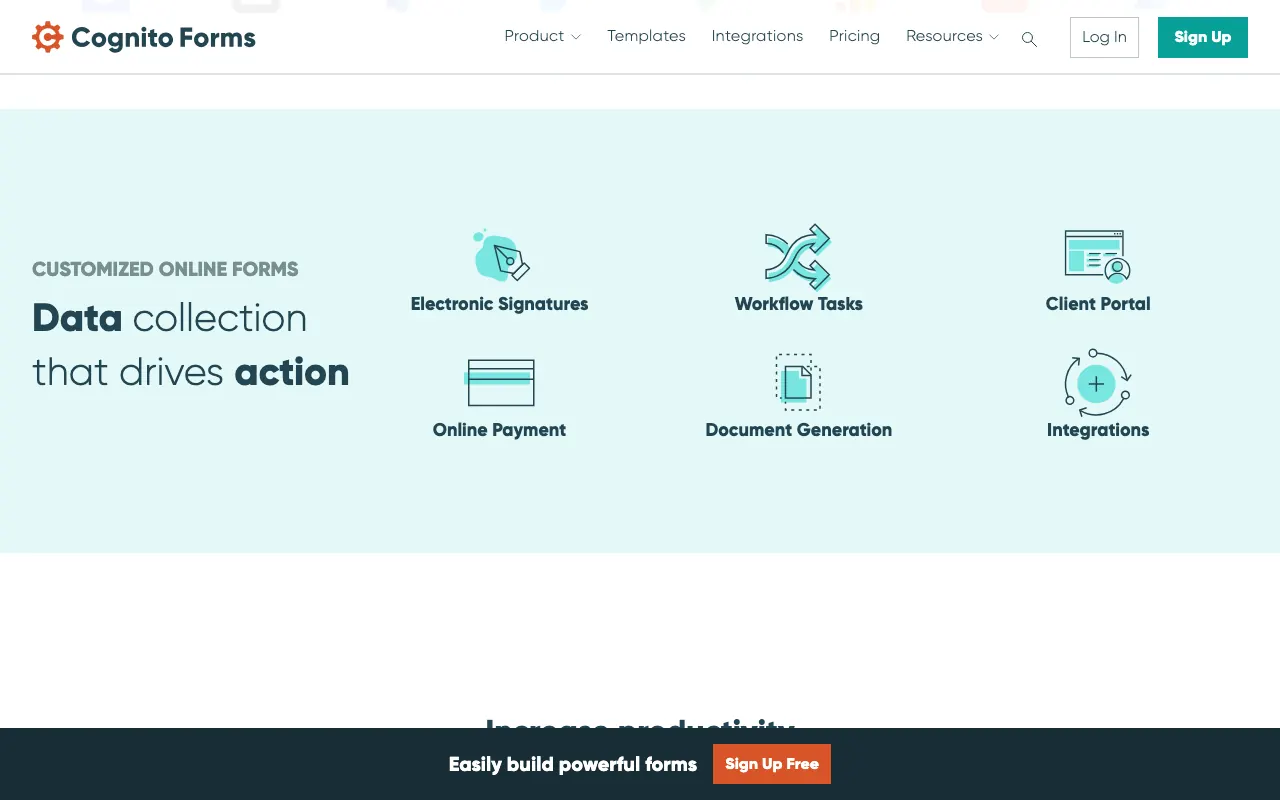
Cognito Forms Pro has 2,000 entries, 2 users, electronic signatures and no branding. Team adds workflow and approvals with 10,000 entries and 5 users, and Enterprise adds HIPAA and unlimited entries.
If HIPAA is your only requirement, Jotform Gold costs less, with one user.
Zoho Forms: if volume is what you pay for
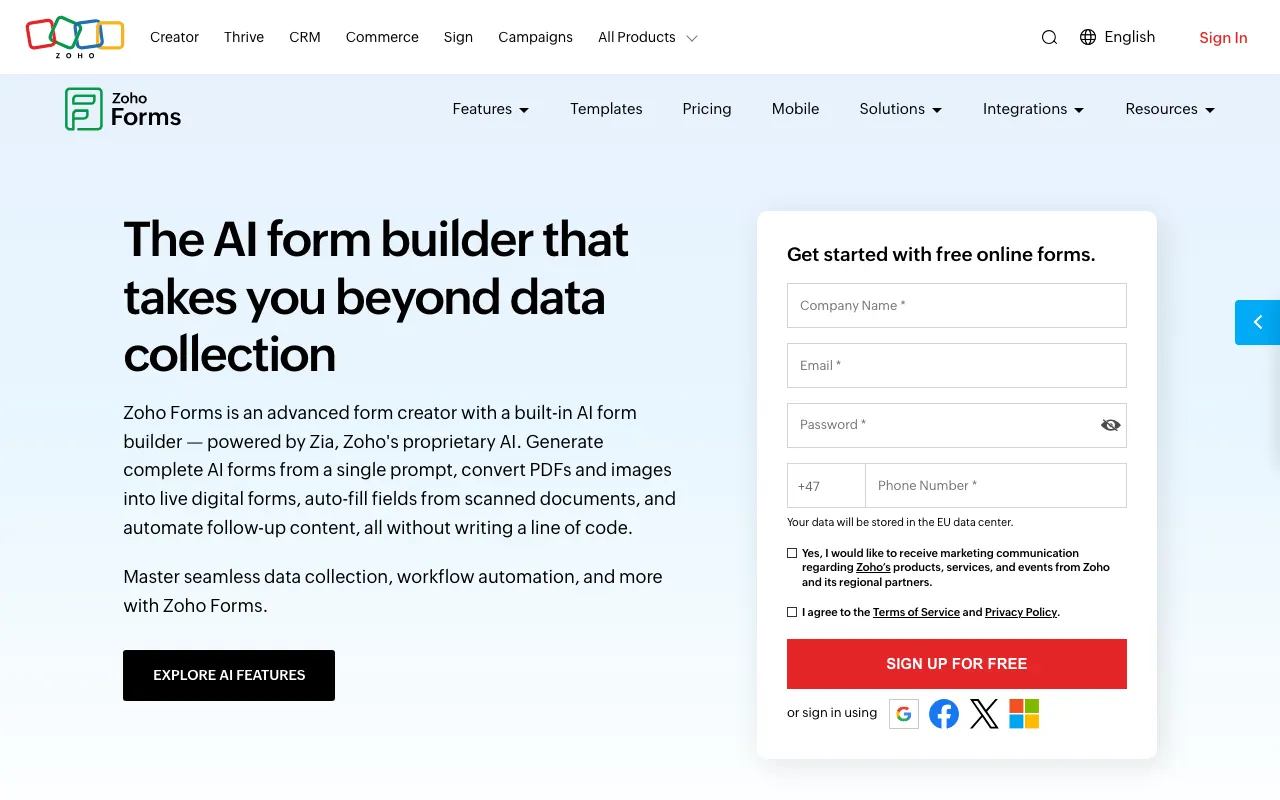
Zoho Forms Basic includes 10,000 submissions a month with unlimited forms at $10 a month billed yearly, the cheapest paid plan we found for that volume. HIPAA is on Premium at $90, against $99 for Jotform Gold.
Basic allows one user, the same seat limit you are leaving.
Typeform: if your forms need to feel better

Typeform has a one-question-at-a-time format, and Jotform’s broader toolkit is not built around that. Plus removes the branding, and Business includes 10,000 responses a month.
It costs more for the same volume, and HIPAA and custom domains are Enterprise only. We compared Typeform alternatives as well.
Formstep: if you ask one person, from a workflow or agent
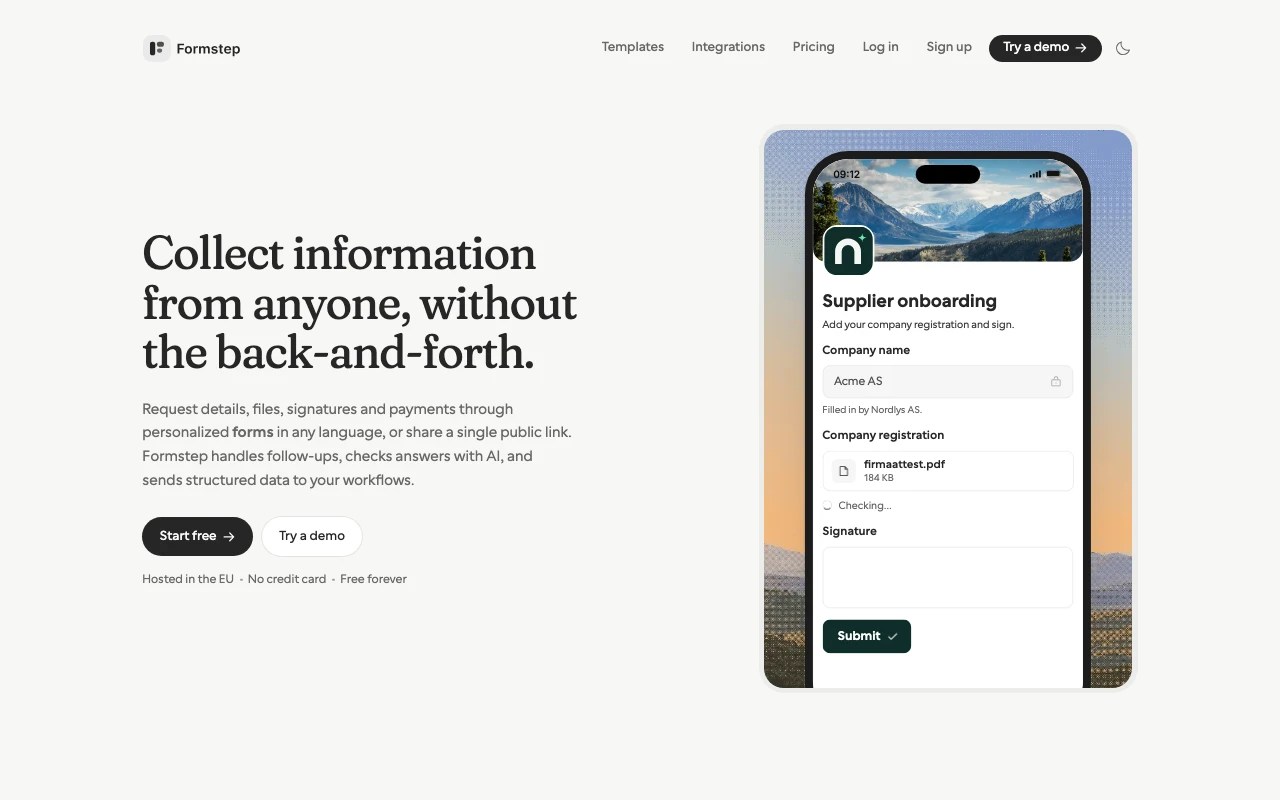
Formstep includes a form builder, then adds requests. A request gives one recipient their own branded link, with values prefilled on the server and fields locked per request. A signed callback hands the answers back when the request completes, expires or is canceled, and we found no equivalent in Jotform’s prefill and assignee docs.
On Pro, Formstep emails the invitation and reminders on a schedule that counts idle time from the recipient’s last activity and stops when they finish. Pro also adds AI validation, paid from AI credits, and a partial submission saved as soon as someone answers, with an email reminder. Jotform’s Save and Continue Later needs a click on Save.
On the limits that send people away, team members are unlimited on every plan, and Pro includes 50,000 submissions and requests a month, 100 GB and up to 5 custom domains.
The list of where Jotform wins is longer than for most tools here. Our terms do not allow health data subject to HIPAA without a separate signed agreement, so stay with Jotform for that. Formstep has fewer templates, its payments are one-time Stripe charges, and invitation and reminder emails start on Pro. The n8n node runs on self-hosted n8n only, and there is no Make app, so Make calls the API through its HTTP module.
Jotform also has more languages, at 130+ against 65. Its multilingual help page does not mention translating what respondents write, and a 2018 support reply says “We do not translate answers”, so check if it matters. In Formstep, Translate submission shows one submission’s answers in your language, paid from AI credits per submission, and the original stays in your exports.
Which Jotform alternative is best for GDPR and HIPAA?
The two searches have different answers. For GDPR, EU hosting alone is not a reason to leave Jotform, so decide on the limits above and treat this as a check. For HIPAA, health data belongs on Jotform or one of the options below.
GDPR. Jotform’s help center says accounts created in the EU get an EU data center automatically and others can move under Settings, Data. Tally says it is hosted in the EU. Formstep stores data in AWS Ireland and files in Cloudflare’s EU storage, with a data processing agreement on every plan.
HIPAA. The table lists which plans carry it, and Formstep does not support HIPAA.
How to choose
- You want to stop paying: Tally.
- You pay for seats or forms: Fillout, or Formstep if the forms go to known people.
- You collect health data: stay on Jotform, or compare Zoho Forms Premium and Cognito Forms Enterprise.
- You need volume at the lowest price: Zoho Forms.
- A workflow or agent has to wait for one person: Formstep.
How we compared them
We checked each vendor’s pricing page and help center on the date above and recorded what they state, without running a scored test. Review evidence comes from Trustpilot and Jotform’s own support threads. Links to other tools carry no affiliate codes. If a number is out of date, tell us through Contact support in the footer.
For the wider category, see our comparison of the best form builders.
