

The best Typeform alternatives in 2026
Six free and paid Typeform alternatives compared on free-plan limits, price, branding and custom domains. Checked on 5 November 2026, with when to stay put.
By Onur Hakbilen, founder of Formstep · Published
We make Formstep, and it is one of the six Typeform alternatives here, so read this list knowing that. It does not come first, because for most people leaving Typeform another tool is the closer match. Some of you should not leave at all, and the next section says who.
Formstep is on this list for one kind of Typeform leaver: the person whose form is really a question for one named person. That person gets their own prefilled link under your brand, and the results go back to you, your workflow or your AI agent. It also helps if you outgrew Typeform’s plan lines, because Formstep includes up to 5 custom domains on Pro and up to 65 languages on every plan.
In short: to keep the same format, try Youform, then Tally. To stop paying, Tally. For signed documents, HIPAA or a large template library, Jotform. When you know exactly who should answer, Formstep.
When should you stay with Typeform?
Stay when the form itself is the experience: one question at a time, polished by default, and worth paying for if completion rates drive your decision. Typeform also has AI form creation on Basic, video questions on its Talent and Growth plans, and an MCP server that covers forms, automations, contacts and response analytics.
Why do people leave Typeform?
Mostly because of plan limits, which come from Typeform’s own pages on 5 November 2026.
- The free plan is small. Its help center says 10 responses a month across all forms, and file uploads, payments, signatures and follow-up emails are paid features.
- Paid plans count responses. Basic includes 100 responses a month, Plus 1,000 and Business 10,000, with 1, 3 and 5 users.
- Languages and your domain cost extra. A custom domain is Enterprise only, and one form in many languages needs Business or higher and covers 27 languages.
What people say matches the price list. Typeform’s Trustpilot page showed 2.8 out of 5 from 796 reviews, and the most common complaint was billing: people charged for another month or year after they thought they had cancelled. In an r/Entrepreneur thread titled “Typeform is getting expensive”, the top comment objected to response caps and to analytics locked behind higher tiers more than to the price itself.
Typeform alternatives compared
Prices are per month in US dollars and change often, so follow the link before you decide.
Typeform’s row needs a warning. Its pricing page showed one set of prices on the plan cards ($39 monthly or $28 yearly for Basic) and another in its comparison table ($29 or $25). We list the plan cards and do not guess which is right.
| Tool | Free plan | Paid from | First paid plan includes | Branding removed on | Custom domain on |
|---|---|---|---|---|---|
| Typeform | 10 responses a month | $28 yearly, $39 monthly on its plan cards; its table shows less | 100 responses a month | Plus | Enterprise |
| Tally | Unlimited forms and submissions within fair use | $24 yearly, $29 monthly | Unlimited within fair use | Pro | Pro |
| Youform | Unlimited forms and responses within fair use | $20 yearly, $29 monthly | Unlimited within fair use | Pro | Pro |
| Fillout | 1,000 responses a month, unlimited seats | $15 yearly, $19 monthly | 2,000 responses a month | Pro, at $40 yearly | Business, at $75 yearly |
| Jotform | 5 active forms, 100 submissions a month | $34 yearly, $39 monthly | 25 forms, 1,000 submissions a month | Bronze | Enterprise |
| Paperform | 30 submissions a month | $49 yearly, $59 monthly | Unlimited within fair use | Pro | Pro, for $20 a month extra |
| Formstep | 1,000 submissions and requests a month | $32.50 yearly, $39 monthly | 50,000 submissions and requests a month | Pro | Pro, up to 5 |
Which Typeform alternative fits which reason for leaving?
The six are grouped by what you are moving away from, so the order is not a ranking.
Tally: if the free plan is why you are leaving
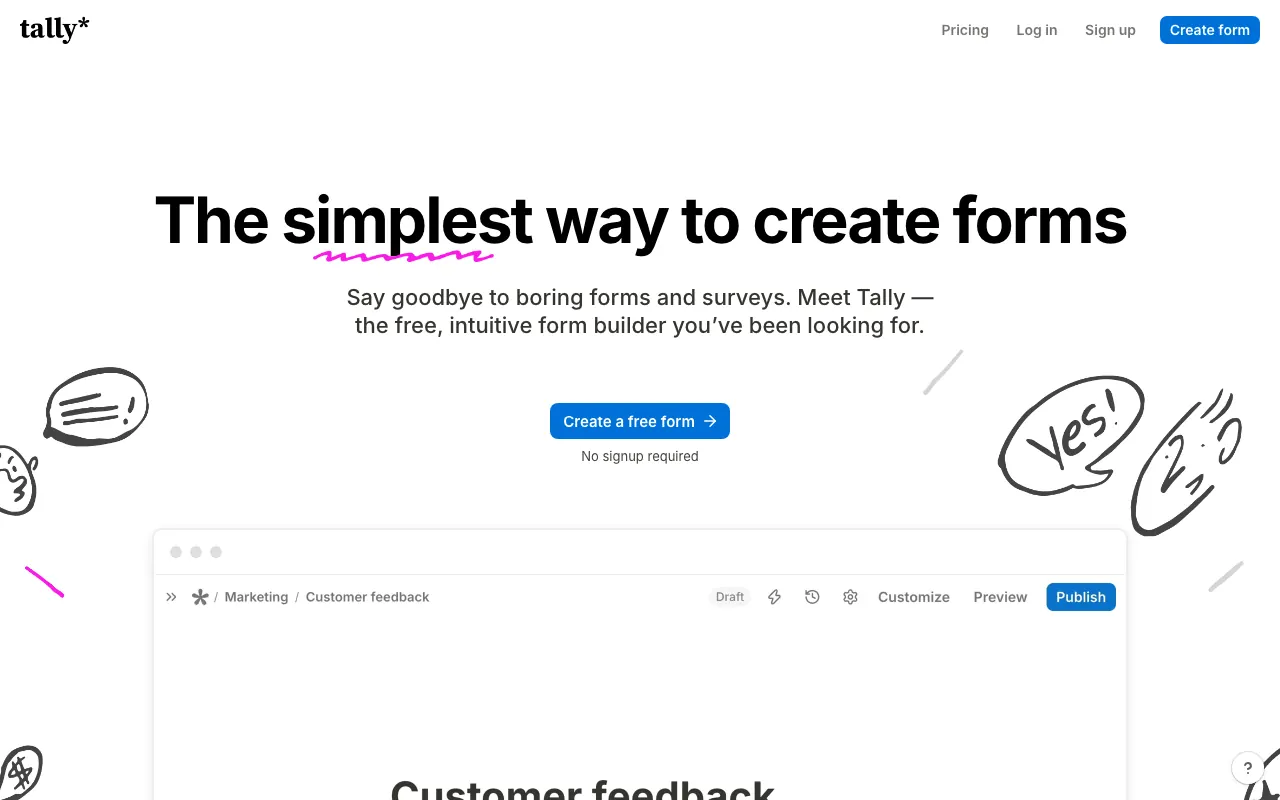
Tally’s free plan includes logic, payments, signatures, file uploads and webhooks, and its fair use policy gives 50,000 submissions a month as an example of extensive use.
The trade-off is the format. One question at a time means adding a page after each question, and Tally has no built-in way to offer one form in several languages. If Tally is your shortlist, we also compared Tally alternatives.
Youform: if you want the same format for less
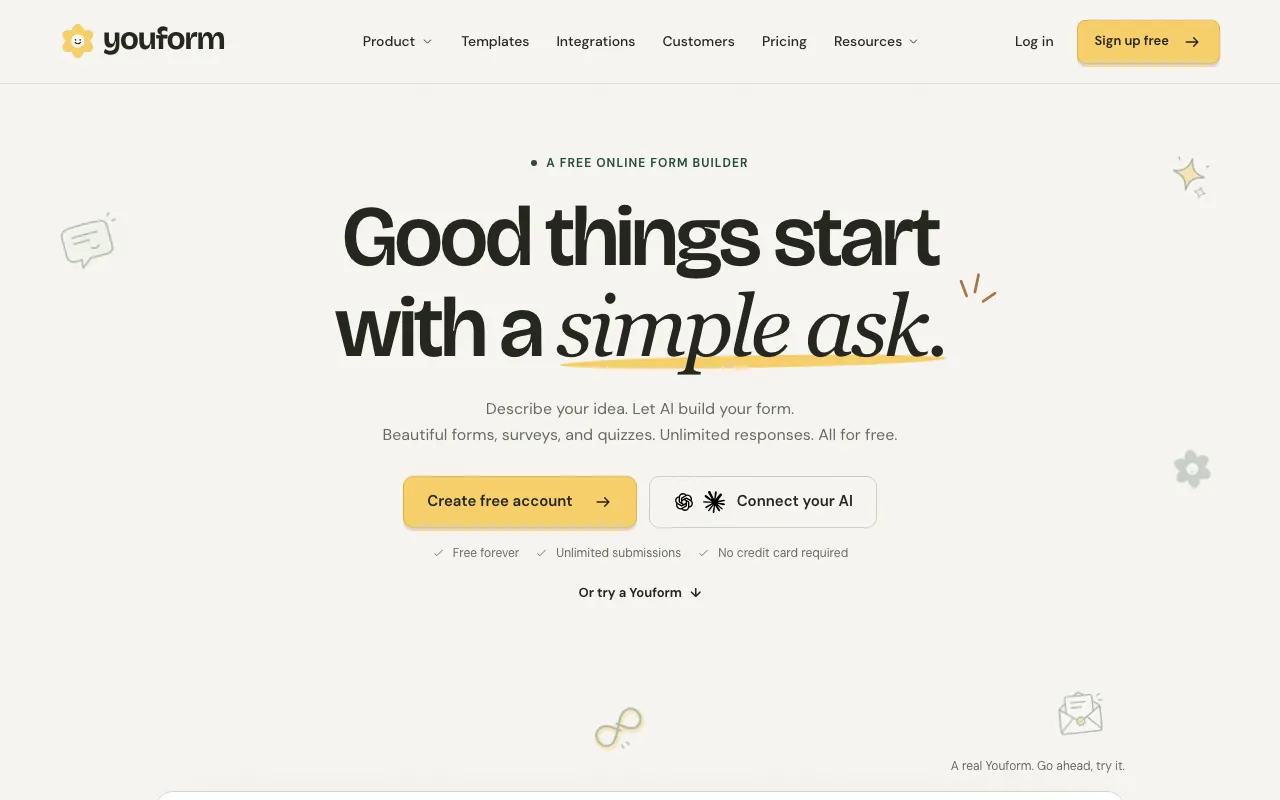
Youform is the closest on format, with a conversational layout that asks one question at a time, unlimited responses within fair use, and signatures on its free plan. Pro adds custom domains, payments and one form in many languages. It allows one user on the free plan and up to 3 team members on Pro.
Fillout: if you pay per person today
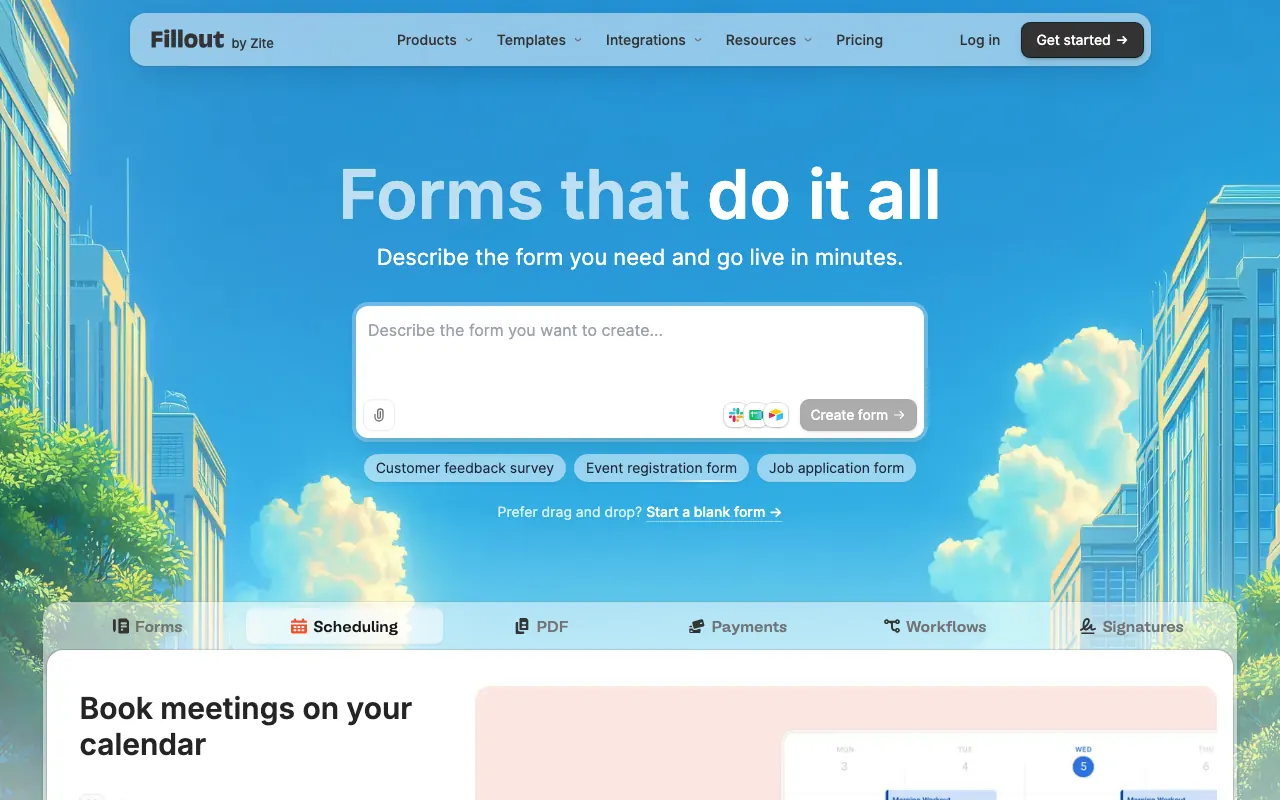
Every Fillout plan has unlimited seats, and the free plan includes 1,000 responses a month, prefill and payments. Starter at $15 a month billed yearly raises that to 2,000 and adds signatures. One question per page works, though there is no single switch.
If you want your own domain, Fillout ends up dearer than Tally or Youform.
Jotform: if you need more than a form
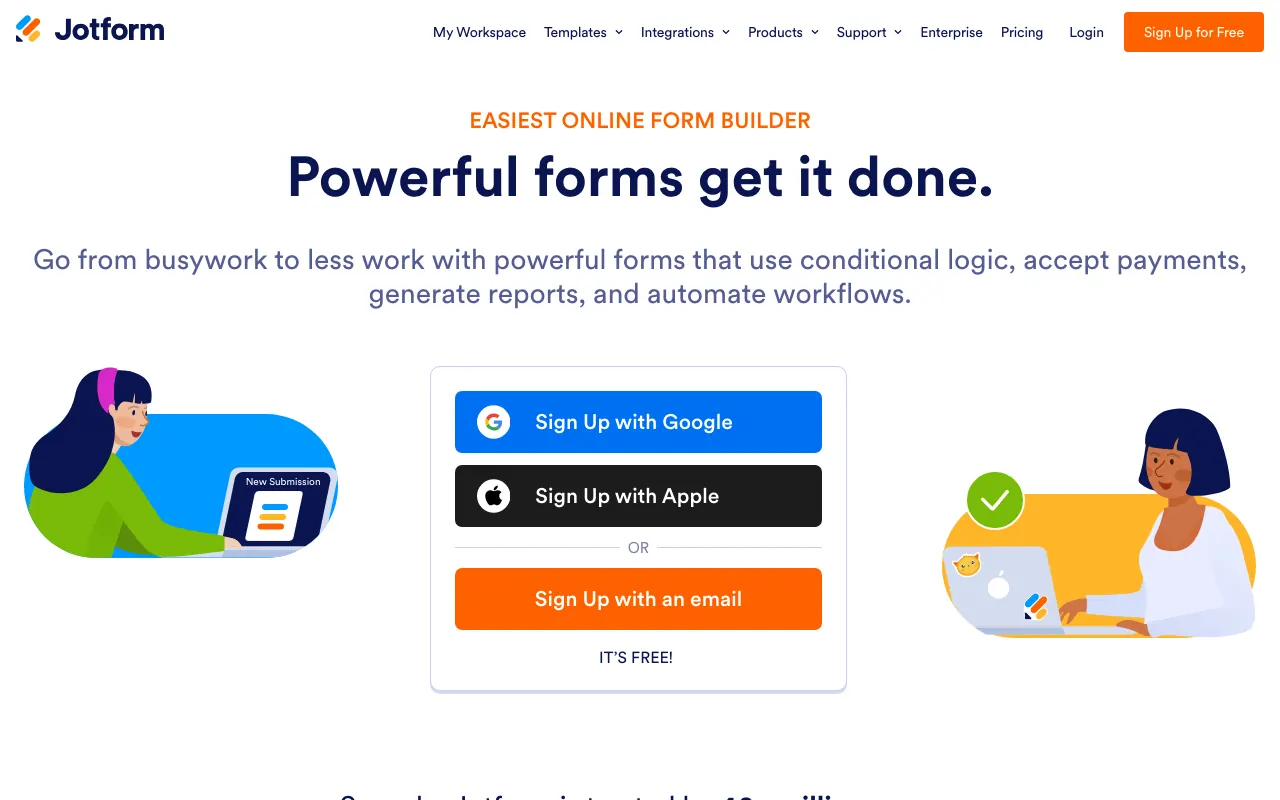
Jotform trades Typeform’s polish for range: a large template library, 130+ languages, signed documents, payments, and HIPAA features from Gold at $99 a month billed yearly. We also compared Jotform alternatives.
Paperform: if design is the point
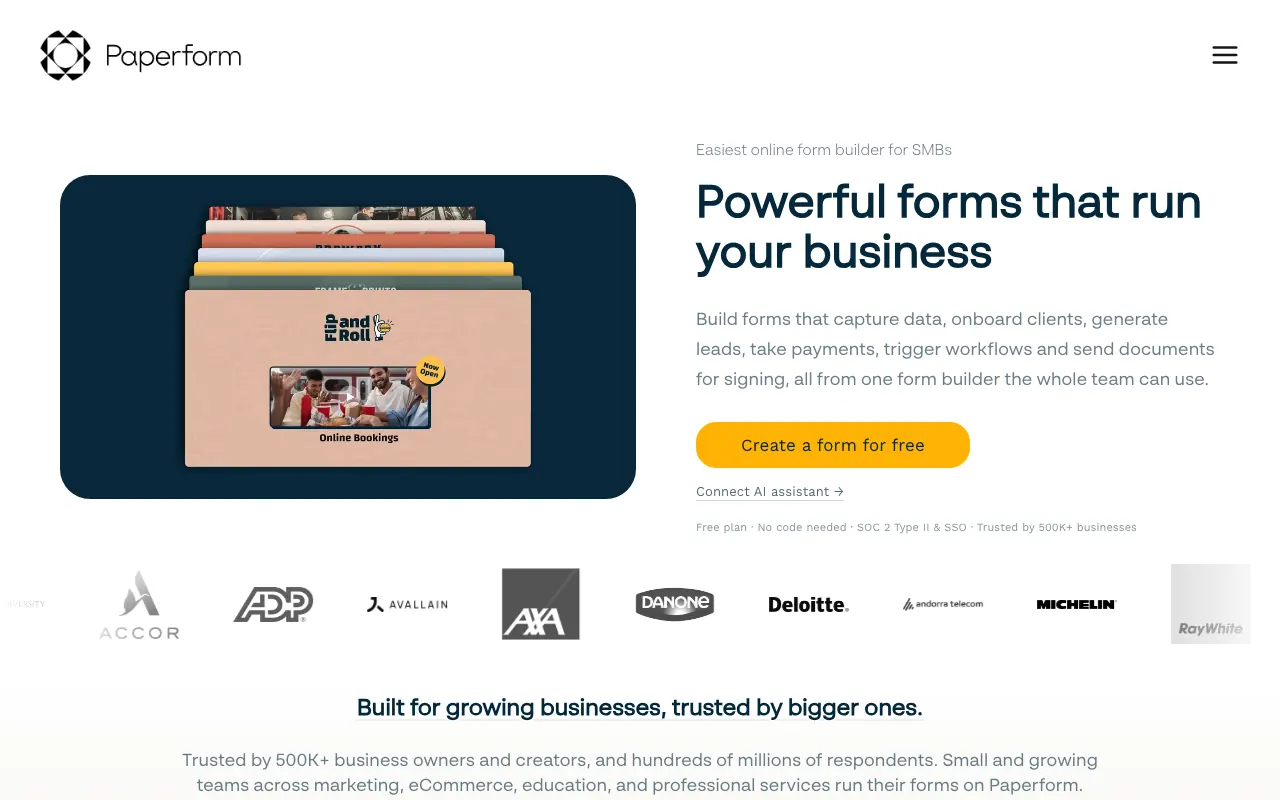
Paperform also edits like a document, and its forms can read like small landing pages. Pro has unlimited submissions within fair use at $49 a month billed yearly.
Its free plan stops at 30 submissions a month, so treat that as a trial.
Formstep: if the form goes to one person you know
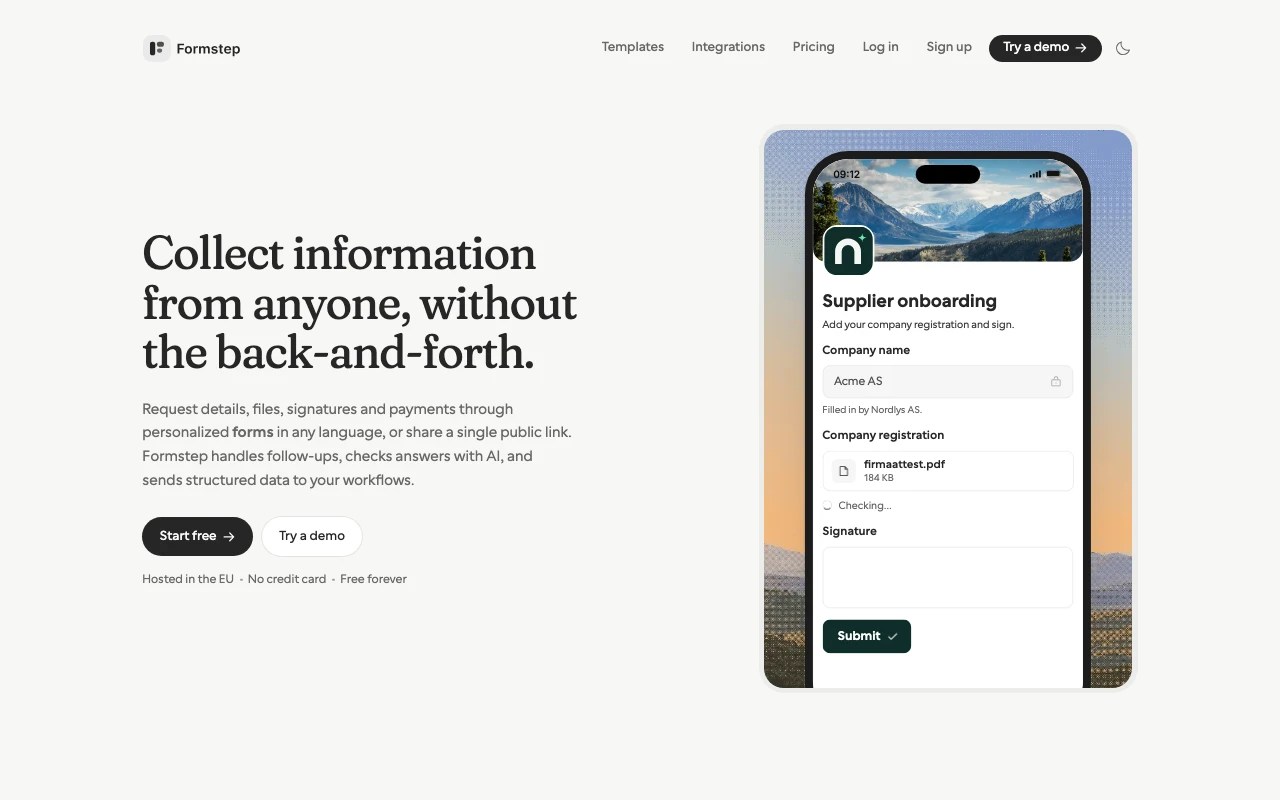
Formstep includes a form builder, but it solves a different problem from Typeform. A request sends one recipient their own branded link with what you already know prefilled and locked where it must not change. A signed callback hands the answers to you, your workflow or your AI agent. You can send one by hand for a client onboarding form, or an AI agent can send the questions with the request and have Formstep build the form in the same call.
On Pro it also reminds the recipient, adds AI validation paid from AI credits, emails people who stop halfway and tells your integrations.
One form can run in up to 65 languages on every plan, and you can read each answer in your own language, translated per submission with AI credits. Team members are unlimited on every plan, and field keys survive a retitle or a translation.
Formstep is a younger product with a smaller ecosystem. Its forms read like a document, not one question at a time, and on the free plan you send the link yourself because invitation and reminder emails start on Pro. The n8n node needs a self-hosted n8n, and Make has no Formstep app, so Make calls the REST API through its HTTP module. We wrote a direct comparison of Formstep and Typeform.
For GDPR, Formstep’s database runs on AWS in Ireland and files stay in the EU on every plan, with a data processing agreement. Typeform offers a US or EU data center on Enterprise.
What moves when you leave Typeform?
No importer moves responses: Tally’s brings the form and not the submissions. Export your responses from Typeform as a CSV before you cancel, and keep the account until the export is checked.
- Tally documents a one-click Typeform import for questions, pages, endings, design and logic.
- Youform has a Typeform importer that starts from a public form link.
- Formstep has no importer. Its AI chat can rebuild a form from a screenshot or PDF, using AI credits, and you then check the result and set the field keys.
- Fillout, Jotform and Paperform: we did not verify an importer, so ask before you commit.
How to choose
- Staying on the same format matters most: try Youform, then Tally.
- You want to stop paying: Tally, or Fillout if you need many seats and fewer than 1,000 responses a month.
- You need signed documents, HIPAA or a large template library: Jotform.
- You know exactly who should answer: Formstep.
How we compared them
We read each vendor’s pricing page and help center on the date above and flagged pages that contradicted themselves, as Typeform’s prices did. The complaints come from Typeform’s public Trustpilot page and one Reddit thread. We did not score the tools, and none of our links carry affiliate codes. If a number has gone stale, tell us through Contact support in the footer.
For the wider category, see our comparison of the best form builders.
