

The best Tally Forms alternatives in 2026
Six alternatives to Tally Forms (tally.so) compared on free limits, file uploads, price and languages. Checked on 5 November 2026, and most people should stay.
By Onur Hakbilen, founder of Formstep · Published
Tally Forms, the form builder at tally.so and not the Tally accounting software, has a free plan that is hard to beat. We make Formstep, one of the six Tally Forms alternatives on this page, so we will say it first: most people searching for a Tally alternative should stay on Tally. Formstep does not come first in this list. For a free public form, Tally is often the better pick.
The reason to look at Formstep is rarely the free plan. It is usually one of two jobs Tally does not aim at: one named person answering, with their own prefilled link and the results handed back to you, your workflow or your AI agent, or one form in up to 65 languages. Tally’s help center says it does not offer the second yet, though its roadmap now lists it as in progress.
In short: for a free public form, stay on Tally. Take Youform for the same free plan with a one-question layout, Fillout for many seats or bigger files, Jotform for HIPAA features, and Formstep when one specific person has to answer or one form needs many languages.
Why do people look for a Tally Forms alternative?
Rarely because Tally failed them. On 5 November 2026 Product Hunt showed a 4.9 rating from 99 reviews, and Trustpilot showed 3.1 from 20 on an unclaimed profile, where the refund policy comes up repeatedly.
The requests that do come up mostly lead back to Tally Pro:
- Deeper analytics and more design control. The most common asks on Product Hunt. Tally Pro adds drop-off analytics, advanced design options and custom CSS, so this is a reason to pay $24 a month, not to leave.
- “Unlimited” with a fair use ceiling. One reviewer was asked to upgrade under fair use. If you would rather plan around a fixed number, Fillout and Formstep publish theirs.
- Team members on the free plan. Raised in the 2022 Show HN thread and still true, since unlimited team members are a Pro feature. Fillout and Formstep include unlimited seats on Free.
When should you stay with Tally Forms?
Stay if you want a free public form. Tally’s free plan includes unlimited forms and submissions within fair use, along with logic, calculations, payments, signatures, file uploads and webhooks. Its MCP server is free on every plan, and $24 a month billed yearly removes the branding.
A move makes sense for these reasons:
- One form in many languages. Tally’s help center says it does not offer this yet, and its Weglot route needs Pro, a custom subdomain and code injection. Its roadmap listed multi-language forms as in progress, so check it first.
- A strict one-question format. You add a page break after each question, as there is no switch.
- Entries that repeat. Tally has no repeating block, and its guide duplicates questions or loops through pages.
- One known person has to answer. Tally prefills from URL parameters, so a shared link does the job of a personal one. Its help page does not say a prefilled field can be locked, and we found no built-in reminders to a named person.
Tally Forms alternatives compared
The table compares the six on free plan, files, price and languages. Prices are per month in US dollars, and they change often, so follow the link before you decide.
| Tool | Free plan | Files on the free plan | Paid from | One form in many languages |
|---|---|---|---|---|
| Tally | Unlimited forms and submissions within fair use | 10 MB per file | $24 yearly, $29 monthly | Not yet; a Weglot route on Pro, and on its roadmap |
| Youform | Unlimited forms and responses within fair use | 10 MB per file | $20 yearly, $29 monthly | Pro and up |
| Fillout | 1,000 responses a month, unlimited seats | 20 MB per file | $15 yearly | Business and up, per its help center |
| Jotform | 5 active forms, 100 submissions a month | 100 MB in total | $34 yearly, $39 monthly | 130+ languages; no plan limit stated |
| Typeform | 10 responses a month | Not listed for Free on its pricing page | $28 yearly, $39 monthly on its plan cards; its table shows less | Business and up |
| Google Forms | 500,000 responses per form | 1 GB per form; respondents must sign in | No separate plan | Not checked |
| Formstep | 1,000 submissions and requests a month | 100 MB in total | $32.50 yearly, $39 monthly | Every plan, up to 65 languages |
Two cells need a note. Fillout’s pricing table lists “Choose a form language” on every plan, which sets one language per form, but its help center puts translations of one form on Business and up. Typeform’s pricing page disagrees with itself: $39 or $28 for Basic on its plan cards, $29 or $25 in its comparison table.
Which Tally alternative fits which gap?
The six are grouped by what Tally does not do for you, so the order is not a ranking.
Youform: closest to Tally’s free plan
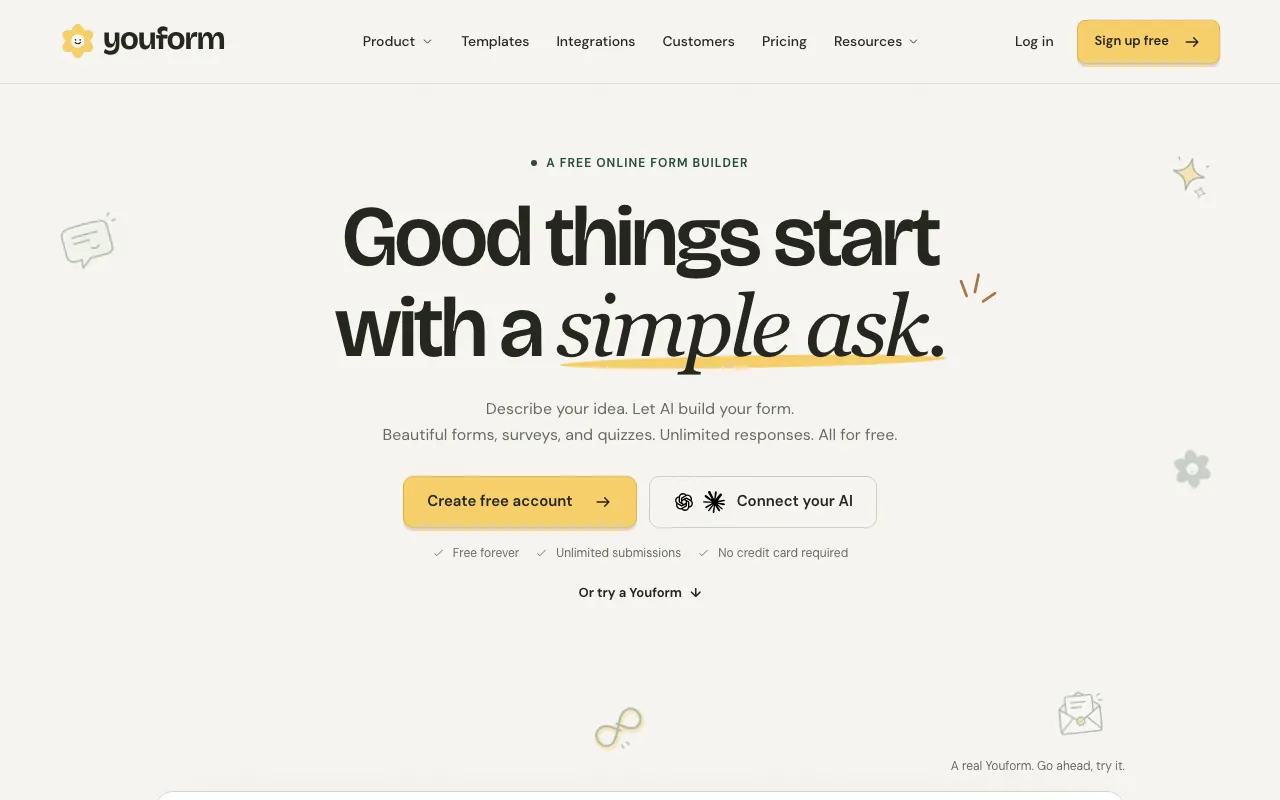
Youform also offers unlimited forms and responses within fair use, signatures, logic, webhooks and Zapier for free, and it adds a conversational layout that asks one question at a time. One form in many languages starts on Pro at $20 a month billed yearly.
It allows one user on the free plan, 3 team members on Pro and 5 on Business, and payments need Pro, which Tally includes for free.
Fillout: for many seats and bigger files
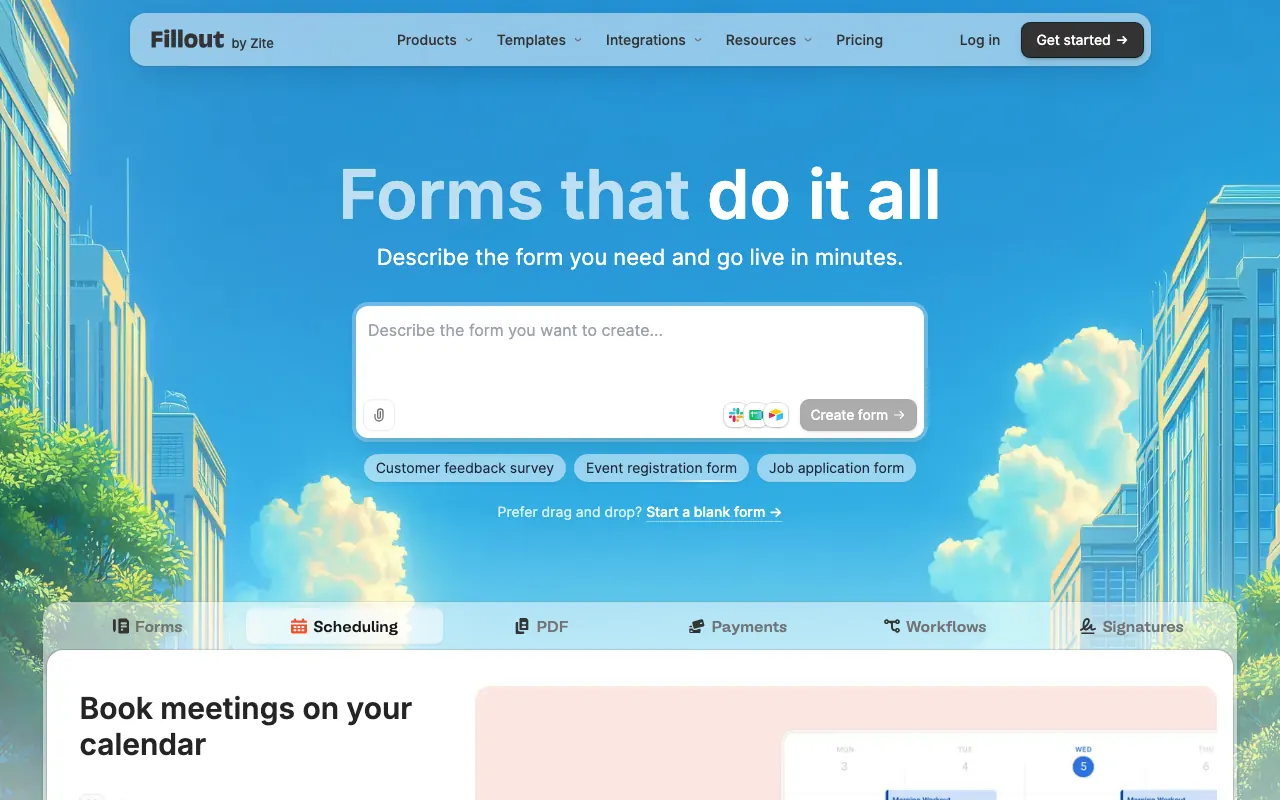
Fillout has unlimited seats on every plan, 20 MB per file on its free plan and more than 1 GB on Business, and prefill and hidden fields for free.
Its free plan stops at 1,000 responses a month, and signatures start on Starter at $15 a month billed yearly. The branding comes off on Pro at $40 billed yearly, and translations of one form start on Business at $75.
Jotform: for templates, languages and HIPAA
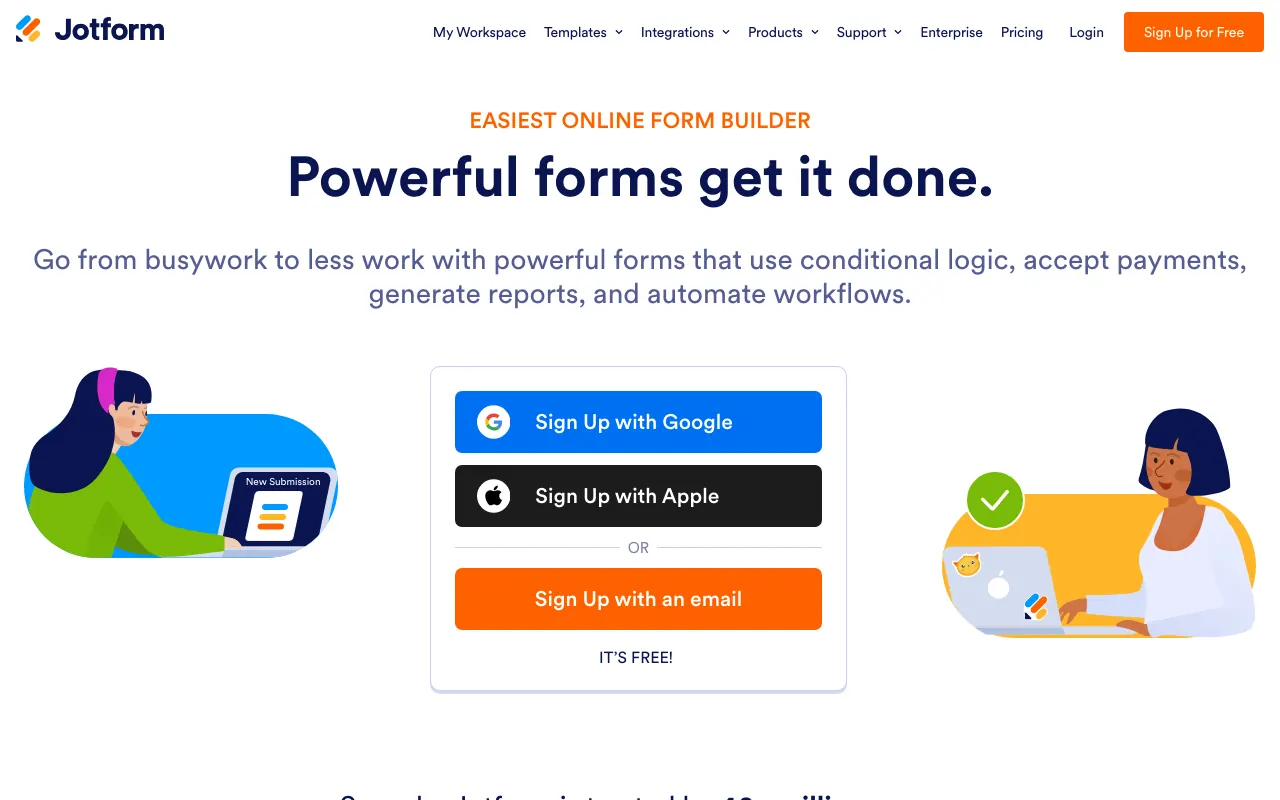
Jotform covers more ground than Tally: a large template library, 130+ languages, assignee reminders on a daily, weekly or monthly schedule, and HIPAA features from Gold at $99 a month billed yearly.
You will pay for that sooner, since Bronze at $34 billed yearly includes 1,000 submissions. We compared Jotform alternatives separately.
Typeform: for a polished one-question format

If Tally’s document style is the problem, Typeform is known for showing one question at a time, with multi-language forms on Business and up, confirmed by its community team in September 2025.
It costs far more for the same volume: its platform overview lists 10 responses a month on the free plan, and Business includes 10,000. We compared Typeform alternatives separately.
Google Forms: for internal forms
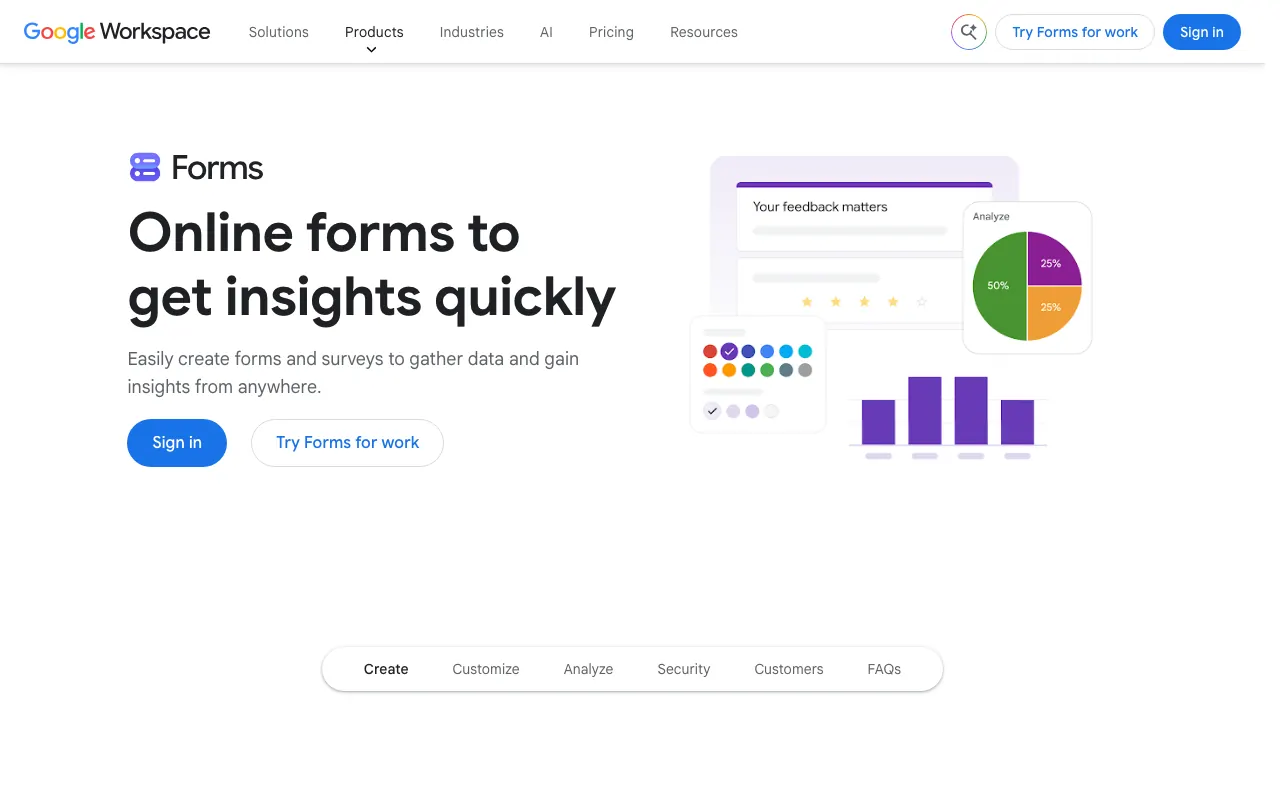
Nobody needs training to use Google Forms, and answers land in a spreadsheet. Since September 2026 each form has limits of 500,000 responses and 1 GB, and respondents must sign in to a Google account to answer a file upload question. Use it when everyone answering is already in your organization.
Formstep: for one known person, or many languages
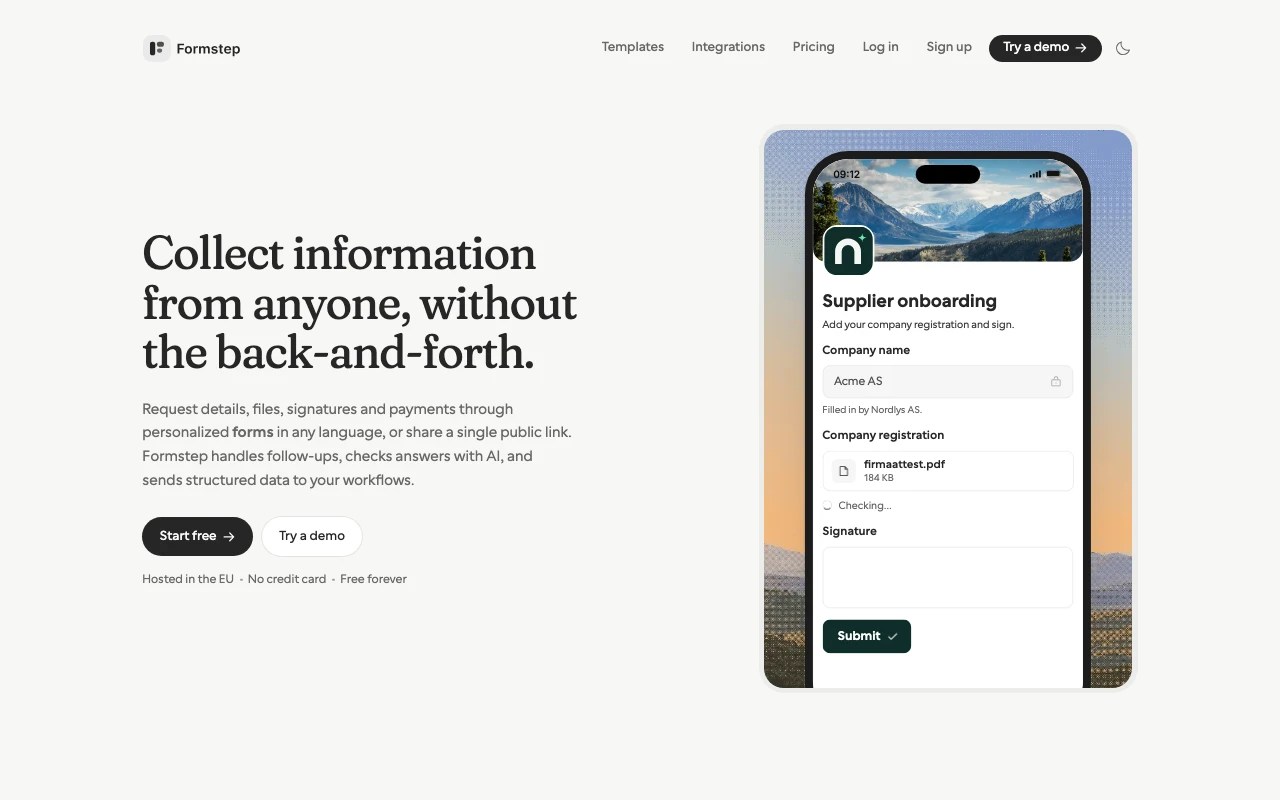
Formstep includes a form builder, then adds requests. A request goes to one recipient with their own link, with what you already know prefilled on the server and fields locked per request. You send it by hand, through the API, or from an AI agent over the MCP server, and a signed callback hands the answers back. A client onboarding template shows the shape.
On Pro, Formstep emails the invitation and reminders for you, emails people who stop halfway on a public link, and tells your integrations about responses never finished. AI validation also starts on Pro and is paid from AI credits. On Free you send request links yourself, apart from 10 invitations to your own address to try them.
For languages, a public link or a request can use any of up to 65, with AI drafting the translation. Translate submission then shows one answer at a time in your language, paid from AI credits, and answers keep the same field keys in every language.
Tally is better on the free plan for high volume, because Formstep’s stated limit of 1,000 submissions and requests a month is reached far sooner. Pro costs more at $32.50 a month billed yearly. We wrote a direct comparison of Formstep and Tally.
How to choose
- You want free and public: stay on Tally.
- You want the same free plan with a one-question layout: Youform.
- You need many seats or bigger files: Fillout.
- You need HIPAA features or a large template library: Jotform.
- One specific person has to answer, or one form needs many languages: Formstep.
How we compared them
Everything here comes from each vendor’s pricing page and help center, checked on 5 November 2026, plus the review pages linked above. This was not a scored test, and the links have no affiliate codes. “Not checked” means we did not look. If a number no longer holds, use Contact support in the footer.
For the wider category, see our comparison of the best form builders.
