

n8n document collection: ask for the files each case needs
Collect documents in n8n: build the form from a checklist in the request, so each person is asked only for what their case needs, then save every upload.
By Onur Hakbilen, founder of Formstep · Published
n8n document collection has a form problem. A water damage claim needs photos and a repair estimate, and a theft claim needs a police report and receipts. To collect documents from clients like these in n8n, you either build one long form with logic or one form per claim type, and either way you maintain forms when what you have is a checklist.
This workflow does not build the form first. The checklist lives in a Code node, the request carries the form, and the claimant sees only what their claim needs. The same steps fit onboarding, loans, rentals and visas: anything where the paperwork depends on the case.
You can import the finished workflow from formstep-claim-documents.json, and it needs no form in Formstep. I checked it on self-hosted n8n 2.44 with version 0.13.0 of the node.
In short: keep the checklist in a Code node and send it with the request. Formstep builds the form, the claimant sees only what their claim needs, and the workflow waits for the outcome.
How people collect documents from clients in n8n today
n8n’s Wait node form takes no files, and its Form Trigger has limits of its own. Read on 5 November 2026; n8n ships often, so check if a point decides your choice.
- The Form Trigger has a File element. The Form Trigger lists it among twelve element types, and the Form node adds pages with
multipleFilesandacceptFileTypesoptions. It suits a person who starts the workflow. - The Wait node’s form lists no File field. A paused workflow waits on Wait set to On Form Submitted, whose documented types are Date, Dropdown List, Number, Password, Text and Textarea. A claim is opened by your system, so the workflow is already running when the documents are needed.
- Uploads hit size limits. On self-hosted n8n,
N8N_PAYLOAD_SIZE_MAXdefaults to 16 MiB andN8N_FORMDATA_FILE_SIZE_MAXto 200 MiB, plus any proxy limit. One form failed on a VPS until both were raised, and on n8n Cloud 100 to 300 MB videos got a 413 with no fix recorded. - Files have to be moved somewhere. Binary data stays in memory unless you set
N8N_DEFAULT_BINARY_DATA_MODEtofilesystemor S3, and execution data is pruned after 336 hours by default.
None of this makes the n8n form wrong. For a customer who opens a link while your workflow is paused, Formstep hosts the upload, takes files up to 1 GiB each, and hands your workflow a URL per file to download when it resumes.
Before you start
You need the Formstep node on a self-hosted n8n with a public HTTPS address, and a Formstep credential. The node is for self-hosted n8n only: n8n Cloud installs only verified community nodes, and ours is not verified yet. You also need somewhere to keep the files: the example writes them to n8n’s disk.
1. Start from the case
The example opens with an Edit Fields node named Claim: claimId, claimType (water_damage or theft), claimLabel, firstName and email. In your workflow this is a CRM deal, a new row, or a webhook from your claims system.
2. Turn the checklist into blocks
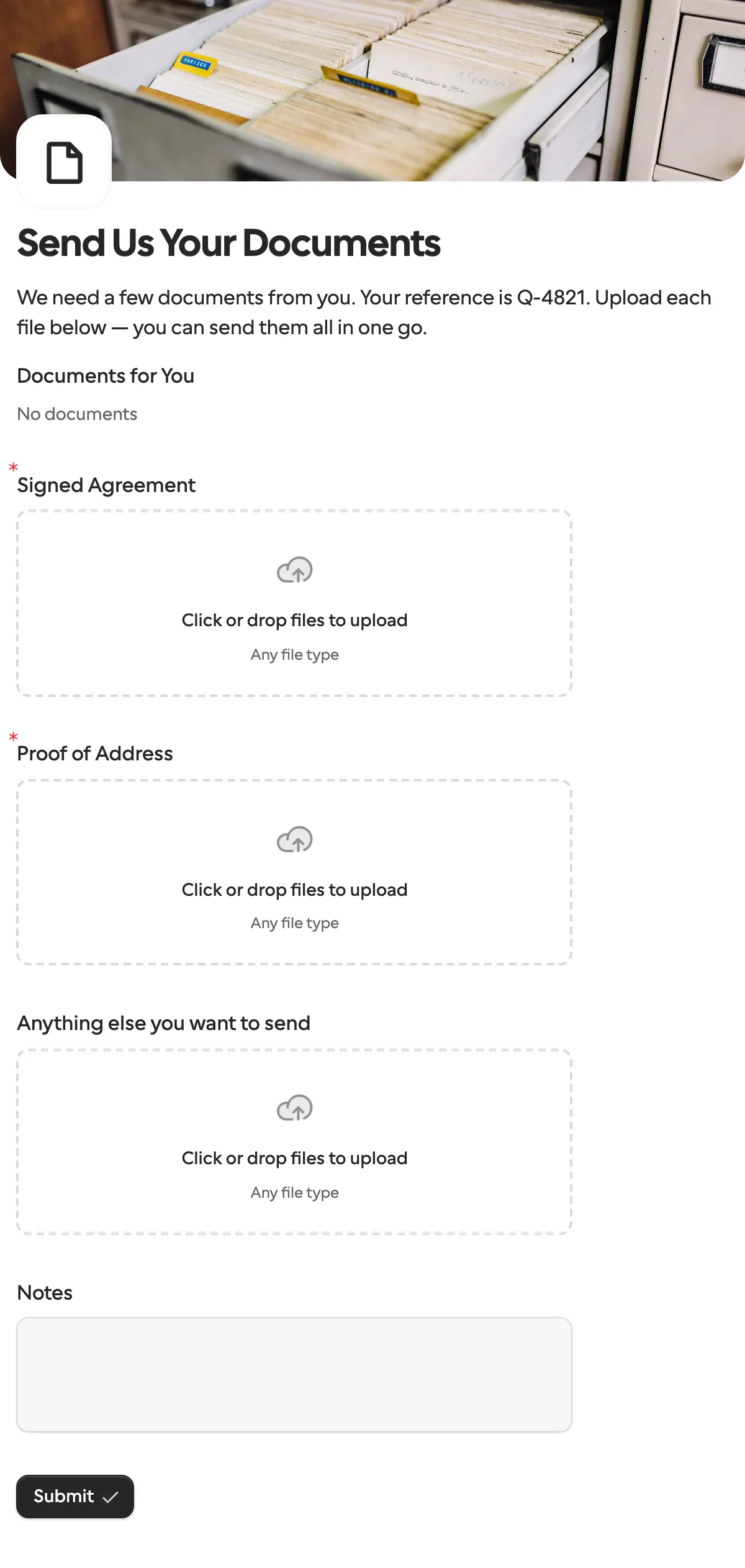
A Code node named Build the checklist looks up the documents for the claim type and writes the form as blocks: a greeting, two hidden fields the greeting reads, one file question per document, and a note.
const checklists = {
  water_damage: [
    { key: 'damage_photos', title: 'Photos of the damage', maxFiles: 10 },
    { key: 'repair_estimate', title: 'Repair estimate from a contractor', maxFiles: 1 },
  ],
  theft: [
    { key: 'police_report', title: 'Police report', maxFiles: 1 },
    { key: 'receipts', title: 'Receipts for the stolen items', maxFiles: 10 },
  ],
}
const documents = checklists[$json.claimType]
if (!documents) throw new Error(`No checklist for claim type ${$json.claimType}`)
const blocks = [
  { type: 'header', content: 'Hi {{first_name}}, a few documents for claim {{claim_id}}' },
  { type: 'paragraph', content: 'Upload each document below. Photos from your phone are fine.' },
  { type: 'hiddenField', key: 'first_name' },
  { type: 'hiddenField', key: 'claim_id' },
  ...documents.map((document) => ({ type: 'file', ...document })),
  { type: 'text', key: 'notes', title: 'Anything we should know?', required: false },
]
return { json: { ...$json, blocks } }
The throw stops the run on an unknown claim type instead of sending a form with no questions. {{first_name}} in text shows a hidden field’s value, and every block type is in Create a form and a request in one call.
Adding a claim type is a new entry in the object, not a new form.
3. Send the request with a new form
Add a Formstep Create request node and set Form Source to New Form:
- Form Blocks is
{{ JSON.stringify($json.blocks) }}, from the Code node. - Context fills the hidden fields:
{{ JSON.stringify({ first_name: $json.firstName, claim_id: $json.claimId }) }}. - Form Options gives it your brand.
- Recipient Email comes from the claim. Turn on Wait for the Outcome.
- Under Additional Fields, set Delivery, an External ID, and Expires At, like
{{ $now.plus({ days: 14 }).toISO() }}.
Keep what changes per person in Context or Prefill, never in the blocks or the form name. Formstep builds a form the first time it sees a definition and reuses it after that, so the second water damage claim gets the first one’s form and the response says form.reused: true. Put the claimant’s name in the blocks and every request makes a new form, up to 300 new forms a day per workspace.
Delivery set to Email the Invitation needs Pro or Business, apart from the 10 invitations Free sends to your own address to try it. On Free, leave it at None and have a later node send the request’s url through your own email or chat. Reminders work the same way: Pro and Business email the claimant on a schedule until they finish or the request ends, and on Free you do the chasing. Test Mode is on in the example, so nothing is emailed until you turn it off. See pricing for plans.
4. Wait, then make one item per file
Add a Wait node set to On Webhook Call, and an If node that checks {{ $json.body.type }} is request.completed. The other output catches an expired or canceled request, where you chase or close the claim. A request expires after 30 days unless you set another date, up to 365.
Each file question’s answer is a list of files with a name, a size, a type and a url. A second Code node turns them into one item per file, so the next nodes run once per upload:
// One item per uploaded file, named after the question it answers.
const event = $json.body.data
const items = []
for (const [question, answer] of Object.entries(event.answers)) {
  if (!Array.isArray(answer)) continue
  for (const file of answer) {
    if (file.url) items.push({ json: { question, name: `${question} - ${file.name}`, url: file.url } })
  }
}
return items
It walks the answers instead of naming the questions, so it works for any claim type.
5. Download and save each file
An HTTP Request node downloads {{ $json.url }} with Response Format set to File, once per item. The example then writes each file with Read/Write Files from Disk, as /home/node/.n8n-files/{{ $('Claim').item.json.claimId }} {{ $json.name }}.
To use Google Drive, replace that node with Google Drive › Upload file: Input Data Field Name data, File Name {{ $json.name }}, and the claim’s folder as Parent Folder. S3, Dropbox and SharePoint nodes take the binary field the same way. The files went to Formstep, so your form’s payload limit never applied, and each can be up to 1 GiB within your storage.
Treat a file’s url like a password. Anyone with it can download the file, and the URL does not expire, so download the file as here and share your own copy.
What a form built in the request cannot do
It cannot carry a file for this one claimant, such as their policy or a form to sign, because such a file is uploaded against a form that already exists. To send the claimant something to read or sign as well, use a published form with a Documents block, as in Get a manager’s approval. The event’s data.submission.pdfUrl, a PDF of all the answers, is set only when the form keeps a PDF, so a request that only calls back, like this one, has none.
When the n8n form is the better pick
If every person is asked for the same files, publish one form with file questions. Start from the document collection template, or the client onboarding template when the files come with a few questions.
If the person uploading is a colleague, n8n’s Form Trigger works on n8n Cloud and adds no service to your stack. Formstep vs n8n’s form goes through that choice point by point.
For the single-form version of this loop, see pausing a workflow until the customer confirms their details. To check documents as they arrive, use AI validation, which starts on Pro and is paid from AI credits. The n8n integration page lists what the node does, and the step-by-step guide is at docs.formstep.io.
